Where psd fits in the firewall
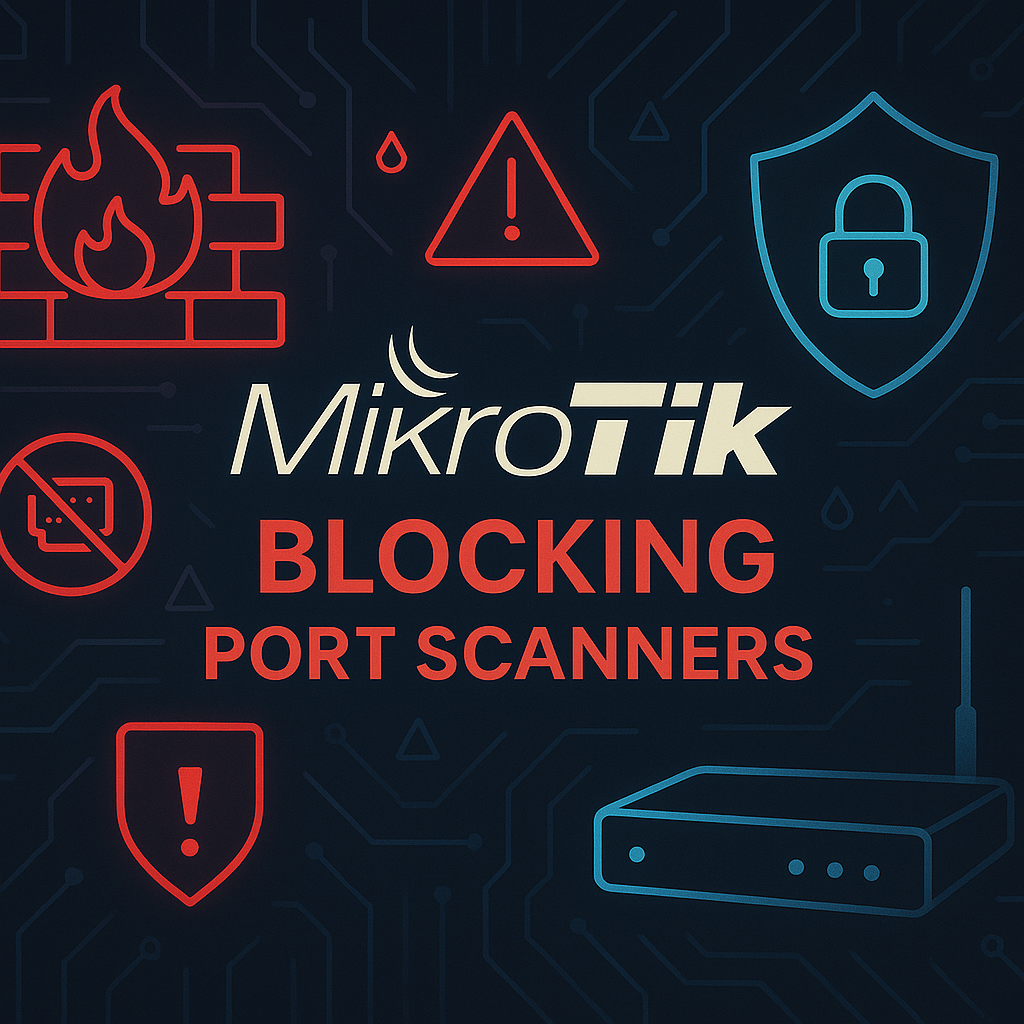
The router log shows an external address trying successive ports. The firewall's psd matcher can identify some scan patterns and record the source for blocking. Although psd supports TCP and UDP criteria, this example explicitly selects protocol=tcp. Scan detection supplements default deny; a scan that goes undetected does not make the traffic safe.
Inspect the existing rules
This example targets RouterOS v7. Record version and architecture and check the selected release’s syntax.
WAN must contain the actual WAN interfaces. Test on an isolated router or CHR using an authorized scanner. Measure CPU and connection tracking under load.
Use console or reliable management access. Keep an off-router export and use Safe Mode for rule edits. Replace the management address list with actual sources.
Heuristic limitations
psd is not an IDS. FastTrack primarily affects established forward traffic. A successful input rule does not establish forward or IPv6 protection.
Detection and drop ordering
Rule order defines the decision path: established traffic and approved management are accepted first, the detection rule temporarily adds a suspicious source to an address list, and the next rule drops it. An earlier general accept prevents that traffic from reaching the matcher.
Router traffic versus transit traffic
Input rules protect the router itself. LAN or NAT-published servers require separate forward-policy checks. The sample exempts approved scanners from management subnet 10.20.30.0/24.
Allowlists, IPv6 and default deny
Allowlists require trusted paths. Spoofable WAN source addresses are not reliable exemptions. IPv6 needs separate rules. Restrict SNMP/public management and keep default deny independent of scan detection.
Add rules and test counters
Inspect firewall order and WAN membership. Populate management sources with trusted actual values. Do not transfer sample values blindly into production policy.
/interface list member print
/ip firewall filter print detail
/ip firewall connection tracking print
/ip firewall address-list add list=mgmt-approved address=10.20.30.0/24 comment="Approved management subnet"
Add the rules in Safe Mode and verify their position. In psd=21,3s,3,1, 21 is the total-weight threshold, 3s the sequence delay threshold, and 3/1 the weights for one source's packets to different destination ports below 1024 or 1024 and above. These are not universal safe values. In WinBox place the example after management accept and before general accept or final drop; appending it is insufficient.
/ip firewall filter add chain=input in-interface-list=WAN protocol=tcp connection-state=new src-address-list=!mgmt-approved psd=21,3s,3,1 action=add-src-to-address-list address-list=port_scanners address-list-timeout=1h comment="ENT-SCAN detect"
/ip firewall filter add chain=input in-interface-list=WAN src-address-list=port_scanners action=drop comment="ENT-SCAN drop"
/ip firewall filter print stats where comment~"ENT-SCAN"
/ip firewall address-list print where list=port_scanners
Run an authorized lab TCP scan. Inspect detection/drop counters and the address list while testing management access. Avoid unlimited packet logs.
List size and connection-tracking pressure
Monitor detection/drop counters, address-list size, CPU and connection count. A scan surge with resource pressure matters more than an isolated scan. Avoid unlimited per-packet logging.
Zero counters and false positives
For a zero counter, first inspect the actual traffic chain, WAN membership and preceding rules. For false positives, compare shared-NAT users, request rates and timeout behavior. A slow scan may remain below the heuristic threshold, and UDP is outside this example because its rule selects TCP.
Interpret a controlled positive and negative test
Before testing, print ENT-SCAN rules with detail and note their positions. In an isolated lab, have an authorized scanner make enough fresh TCP probes to exceed the selected psd heuristic, then immediately inspect the address-list timeout and detection/drop packet counters. Repeat from an approved management source: it must retain management access. Expect no universal packet count because timing/ports and earlier rules determine matching. A listed address with zero drop counters can reflect traffic accepted earlier; a zero detection counter can reflect wrong chain or WAN membership. Test IPv6 separately.
/ip firewall filter print detail where comment~"ENT-SCAN"
/ip firewall filter print stats where comment~"ENT-SCAN"
/ip firewall address-list print detail where list=port_scanners
/system resource print
Undo rules without disabling the firewall
If testing causes an unintended block, disable only the ENT-SCAN rules so the rest of the firewall remains effective. Correlate an entry's IP and time with the incident before removing it; clearing the entire address list destroys detection evidence.
/ip firewall filter disable [find where comment~"ENT-SCAN"]
/ip firewall address-list print where list=port_scanners
After rollback, repeat management and required-service tests through the original path. Keep the pre-change export off-device.
Traffic-appropriate thresholds
Do not treat the sample 21,3s,3,1 values as universal security settings. Test approved scanners and NAT-shared users positively and negatively, then tune timeout from results.
Best Practices
- Version-control configuration and review changes.
- Use least privilege and explicit allow-lists.
- Automate repeatable checks and monitor the expected state.
- Test upgrades and restores before production rollout.
Conclusion
A reliable implementation of Detect Port Scans on MikroTik with psd is more than a successful first run. Keep the configuration documented, observable, recoverable, and aligned with the team's change-management process.
Frequently Asked Questions
Does input protect LAN servers?
No. Transit traffic requires a forward policy.
Does psd detect every scan?
No. It is a limited heuristic and does not replace default deny or an IDS.