Server mailbox or downloaded messages?
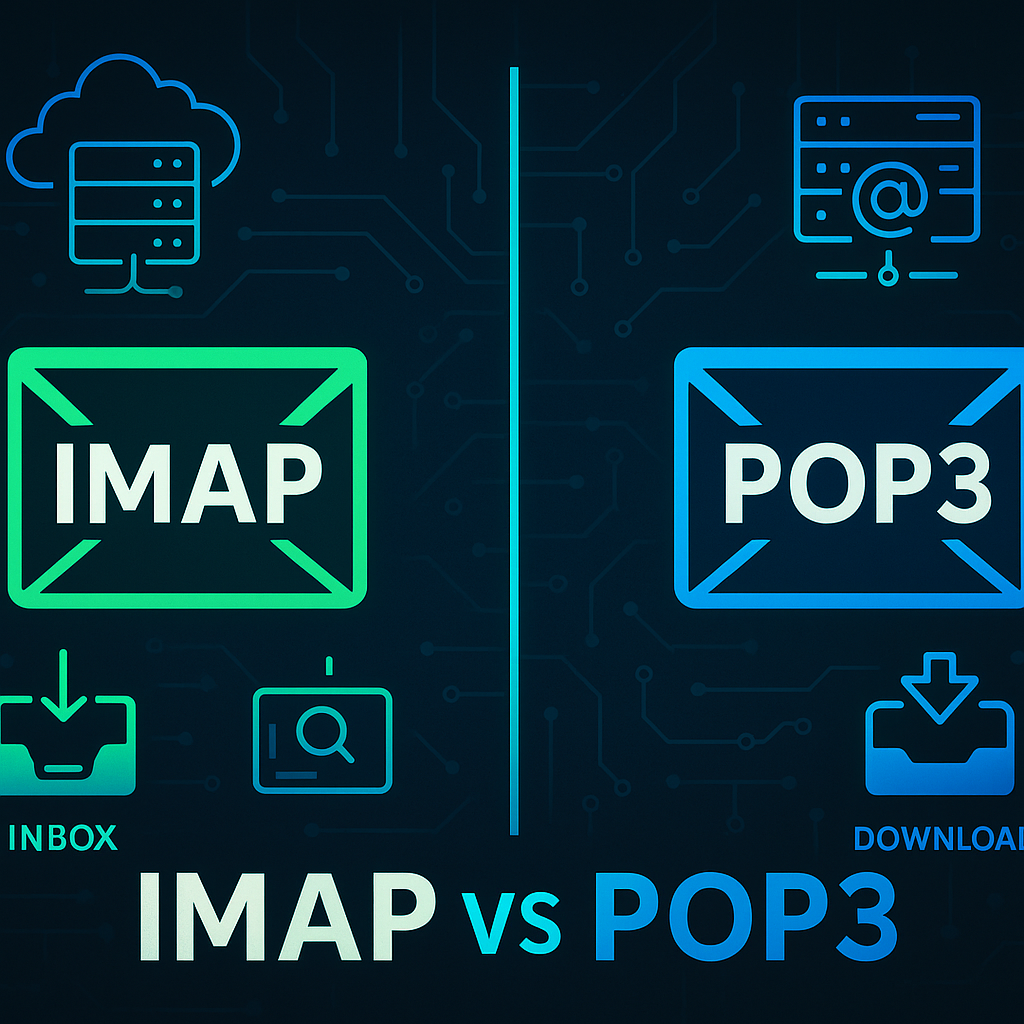
You read a message on your phone, but the desktop still shows it as unread or has different folders. The retrieval protocol affects that behavior. IMAP works with server folders and message state; POP3 retrieves messages, with server retention affected by client settings. This article tests both behaviors across devices and checks receiving, sending and backup separately.
IMAP vs POP3 Comparison
| Criterion | IMAP | POP3 |
|---|---|---|
| Access model | Works with server mailboxes and folders | Retrieves messages from a maildrop |
| Multiple devices | Synchronizes folders and message state | No folder or read-state synchronization |
| Deletion and retention | Deletion can propagate to other clients | Server-copy retention depends on client settings and policy |
| Implicit TLS | Typically TCP/993 | Typically TCP/995 |
| Sending mail | SMTP is a separate service | SMTP is a separate service |
IMAP generally fits multi-device users. A legacy retrieval workflow may still require POP3. Neither protocol is a backup strategy. Check OAuth support and authentication restrictions for the actual provider. Selecting a protocol does not imply that Basic Authentication is available.
Provider settings and protocol access
Check provider-compatible authentication, OAuth and protocol enablement for Exchange Online. Do not transfer cloud assumptions to on-premises Exchange.
Size quota, local cache and archives for retention. Choosing a retrieval protocol requires no new mail server or VM.
Obtain hostnames, ports and TLS settings from mail administration. Implicit TLS commonly uses IMAP 993 and POP3 995. Sending needs separate SMTP settings.
Common POP3 assumptions
POP3 does not invariably delete retrieved messages. Client and server settings determine retention. Keeping a server copy still does not guarantee deleted-version recovery.
Retrieval, sending and authentication
Keep the paths separate when diagnosing failures. IMAP and POP3 retrieve messages, while sending uses SMTP submission and its own authentication settings. TLS protects the connection; OAuth controls account access. A successful TLS connection does not establish permission to open a mailbox or send a message.
Example: one user on mobile and desktop
For shared folders and read state, prefer IMAP or the provider’s native client. Before migrating from POP3, export local-only messages and test deletion behavior with a dedicated mailbox.
TLS and supported authentication
Never send credentials on 110 or 143 without enforced STARTTLS. Ports 993 and 995 start TLS immediately, while SMTP 587 commonly uses STARTTLS. Use Basic authentication or app passwords only where provider support and policy permit them.
Configure the client and test TLS
Check protocol enablement for the target tenant/mailbox. Fleet-wide enablement is unnecessary. The provider might reject Basic authentication.
Before submitting credentials, establish that the connection reaches the correct server. The name mail.example.com is a placeholder. Obtain the real hostname from the provider, then use the following commands to check the certificate chain and hostname match.
MAILHOST='mail.example.com'
openssl s_client -connect "$MAILHOST:993" -servername "$MAILHOST" -verify_hostname "$MAILHOST" -verify_return_error -crlf
After the banner, enter these credential-free commands. This transcript is for IMAP.
a001 CAPABILITY
a002 LOGOUT
Inspect tagged responses and capabilities. Successful commands return OK. Establish a separate TLS connection for POP3S.
openssl s_client -connect "$MAILHOST:995" -servername "$MAILHOST" -verify_hostname "$MAILHOST" -verify_return_error -crlfAfter the POP3 banner, CAPA reads the server's capabilities and QUIT closes the connection. Then configure OAuth and a test mailbox in an approved client. Read a message on one device and check its state and folders on the other; test sending separately through SMTP.
Synchronization health and quota
Track authentication failures, mailbox capacity and sync delays separately from delivery latency. Use a dedicated restricted mailbox for synthetic tests and keep credentials out of dashboards.
Separate retrieval and sending failures
If TLS succeeds but login fails, inspect protocol enablement, OAuth and account policy. For missing messages, check subscribed folders, cache and POP3 deletion settings. Successful receipt with failed sending calls for an SMTP investigation. Protect local messages and PST files before deleting a profile as a troubleshooting step.
Message backups and client migration
Matching views across devices do not create a backup. IMAP also synchronizes deletions, and POP3's Leave on Server setting does not guarantee recoverable history. Define service-level retention and backups, then test restoring a message with its headers and attachments into a separate mailbox.
Choose for the user’s workflow
Prioritize folder and read-state sync for multiple devices. For legacy POP3 workflows, inspect local messages and deletion behavior. Provider authentication compatibility constrains protocol choice.
Best Practices
- Version-control configuration and review changes.
- Use least privilege and explicit allow-lists.
- Automate repeatable checks and monitor the expected state.
- Test upgrades and restores before production rollout.
Conclusion
A reliable implementation of IMAP vs POP3: Synchronization and Client Setup is more than a successful first run. Keep the configuration documented, observable, recoverable, and aligned with the team's change-management process.
Frequently Asked Questions
Is IMAP an email backup?
No. Deletions synchronize. Backup and retention must be independent.
Does working retrieval prove sending works?
No. SMTP submission has a separate path and authentication.