The issue: consistent policies across hosts
A VM loses connectivity after moving to another host even though both hosts use the same port-group name. Different VLAN or policy settings may explain it. A vSS is configured independently per host, while a vDS provides shared management through vCenter; both connect VMs and VMkernel adapters. This article explains the choice and, when needed, a staged migration with a recovery path.
How vSS and vDS Work
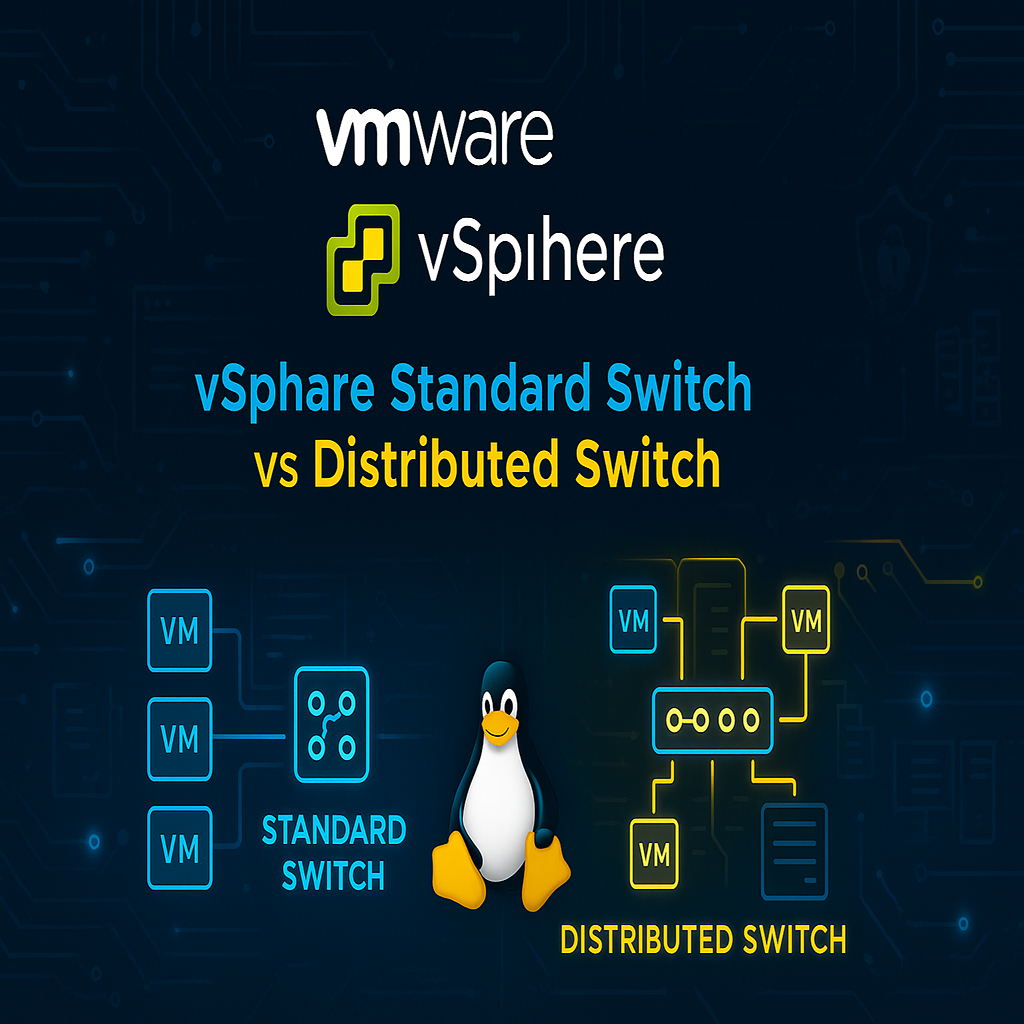
A vSS has an independent configuration on each ESXi host. Destination hosts need matching port groups, VLANs and policies. Matching port-group names alone do not prove matching settings.
A vDS is managed through vCenter while member hosts maintain the forwarding components. Distributed port groups define shared port policies. A vCenter outage generally leaves existing forwarding running, while restricting configuration changes and some recovery operations.
vSS vs vDS Comparison
| Criterion | Standard Switch : vSS | Distributed Switch : vDS |
|---|---|---|
| Configuration management | Independent on each host | Centralized in vCenter |
| VLANs and 802.1Q | Supported | Supported |
| Multiple uplinks and NIC teaming | Supported | Supported |
| Outbound traffic shaping | Supported | Supported |
| Inbound traffic shaping | Not supported | Supported |
| Private VLAN | Not supported | Supported |
| LLDP | Not supported | Supported |
| Port group | Host-local port group | Distributed port group |
| Policy consistency | Requires automation or per-host checks | Shared policy across member hosts |
| Management dependency | Direct host management is available | Central management requires vCenter |
This table compares technical capabilities. Check feature entitlement and vDS compatibility against the actual build and contract. NIC teaming does not imply LACP support on both switch types. Validate that design separately.
When to Choose vSS or vDS
A vSS can suit an independent host or a small environment with simple policy, provided the team controls configuration consistency. A vDS becomes useful when centralized management or features such as LLDP, private VLANs and ingress shaping meet an actual requirement. Weigh operational complexity, entitlement and recovery alongside those benefits.
If the comparison favors vDS, apply the configuration and migration procedure below to a canary host. Migration follows the architecture decision. It is not a prerequisite for using VLANs or vMotion.
Requirements for migration
The migration example targets vSphere 8. Confirm vCenter build, vDS version and feature entitlement compatibility.
Use two independent uplinks with matching trunks/MTU. Keep one management uplink on vSS until vDS passes. Do not apply this workflow unchanged to a single-uplink host.
Prepare vCenter network permissions and each host’s out-of-band console. LACP needs explicit physical-switch/vDS support and design. NIC teaming does not itself imply LACP.
vDS version and feature entitlement
The vDS version must support the oldest member host. Check NIOC/LACP against the actual release and contract. VSS also supports VLANs and teaming, so those basic needs do not mandate migration.
What remains during a vCenter outage?
Existing vDS forwarding remains on the host, while configuration changes and some recovery operations depend on vCenter. Before migration, prepare console access and VMkernel recovery independent of the changing network.
Example: inconsistent cluster policies
For six hosts sharing VLANs but differing in policy, evaluate vDS for consistent management. A standalone host with simple VLAN/teaming needs might remain on vSS. Host count alone does not justify migration.
Port Groups, Uplinks and VMkernel
Connect the names to the packet path: a VM or VMkernel adapter joins a port group with defined policy, and an uplink connects the virtual switch to a physical NIC. Physical NICs use vmnic names; VMkernel adapters use vmk names. The name vmk0 alone does not establish its service: inspect the management, vMotion or storage tag on that host.
Migrate one canary uplink at a time
Inventory each host’s vSS, port groups, VLANs, MTU, vmk interfaces and uplinks. Run these read-only ESXi Shell checks.
esxcli network vswitch standard list
esxcli network vswitch standard portgroup list
esxcli network ip interface list
esxcli network nic list
2. In vCenter, select a vDS version supported by the oldest ESXi version among its member hosts. Create distributed port groups for management, VMs and vMotion with the planned VLANs and MTU. Then match security policy and teaming to the recorded baseline.
Move only the canary’s second uplink to vDS and place a test VM on the destination port group. Check VLAN, DNS and application reachability.
With OOB ready, migrate management vmk through Add and Manage Hosts. Retain the original vSS uplink until management is accepted. Test the gateway using the actual vmk.
vmkping -I vmk0 -c 3 10.20.30.1Replace the example vmk0 and gateway with the actual design values. A larger MTU needs an end-to-end design and an appropriate DF probe. Move the remaining uplink only after the host is stable and vCenter remains reachable. Do not change a second host before accepting this canary host.
Port-group security policy
Permit promiscuous mode, MAC changes and forged transmits only for documented workload needs. Separate network roles from general administrators and restrict vDS exports/console credentials.
Host disconnects and drift
Correlate uplink failure, host disconnect and packet drops with trunk, VLAN and MTU state. Collect both ends of LACP when used. Enable LLDP/CDP according to topology-disclosure policy.
VM, host or MTU failure?
Establish the scope of the outage. A failed VM with a healthy VMkernel calls for checking that VM's VLAN, dvPort and policy. Investigate lost host management through OOB access, uplinks and the management VLAN. A single affected host points towards its trunk or configuration drift. Small pings do not establish storage or vMotion path MTU.
Network recovery without vCenter
Save vDS exports, host configuration and vCenter backups before migration. For management loss, follow the release’s DCUI/OOB procedure to return to a known vSS. Give local operators prior vmnic, VLAN and port-group details.
Before removing the last vSS uplink
Confirm vCenter, gateway and application reachability on the canary. Ensure rollback before removing the final old uplink, then proceed to another host. LACP alone is not application HA.
A scoped management recovery path
For management on vDS in a supported stateful ESXi deployment, use the out-of-band DCUI: Network Restore Options → Restore vDS, enter the recorded correct VLAN/uplink/blocked properties and apply. This creates a local recovery port for management; it is not a general switch reset. For vSS, review Configure Management Network and the recorded adapter/VLAN/IP instead. Test gateway/DNS and reconnect vCenter before changing a second host. Avoid Restore Network Settings unless a separately planned full reset is required; it can remove workload/storage networking. NSX and stateless deployments require their own recovery procedure.
Best Practices
- Version-control configuration and review changes.
- Use least privilege and explicit allow-lists.
- Automate repeatable checks and monitor the expected state.
- Test upgrades and restores before production rollout.
Conclusion
A reliable implementation of vSS vs vDS in vSphere: Features and Switch Selection is more than a successful first run. Keep the configuration documented, observable, recoverable, and aligned with the team's change-management process.
Frequently Asked Questions
Does vSS support VLANs and NIC teaming?
Yes. Both switch types support these capabilities. Key vDS differences include centralized management, LLDP, private VLANs and inbound traffic shaping.
Does every cluster require vDS?
No. Feature requirements, configuration consistency, entitlement and recovery access determine the choice. A cluster can also use consistently configured standard switches.
Does a vCenter outage stop existing vDS traffic?
Existing host forwarding generally continues, while configuration changes and some recovery operations are restricted. Prepare OOB access and an independent recovery path.