From interface graphs to conversations
The company has a 500 Mbps internet connection, yet employees report slow access around midday. MikroTik's interface graph shows a nearly full link. It establishes that the connection is busy, but does not explain which IPs contributed most, where traffic went or whether the same pattern occurs every day.
Akvorado receives traffic summaries and keeps them available for historical analysis. MikroTik exports NetFlow or IPFIX records describing source and destination addresses, protocols and traffic volumes. These flow records summarize communications; they do not contain file contents, messages or web pages. Akvorado processes the records and presents them in a dashboard, allowing investigations to extend beyond a live router graph.
We will deploy Akvorado 2026.10.0, send IPFIX from a test router running RouterOS 7.24.5, and investigate the busy period by source IP, destination, protocol and time. Those dimensions can explain traffic patterns without reliably naming every application. The result also depends on which traffic the exporting router can actually observe.
Prerequisites
Use a supported release, a tested backup, administrative access, a maintenance window when required, and a rollback plan. Validate DNS, time synchronization, firewall rules, storage, and monitoring before implementation.
Architecture and Core Concepts
Understand the data flow, trust boundaries, dependencies, and the expected state before changing a live environment. Separate control-plane configuration from data-plane traffic and document every external dependency.
1. Pipeline and capacity
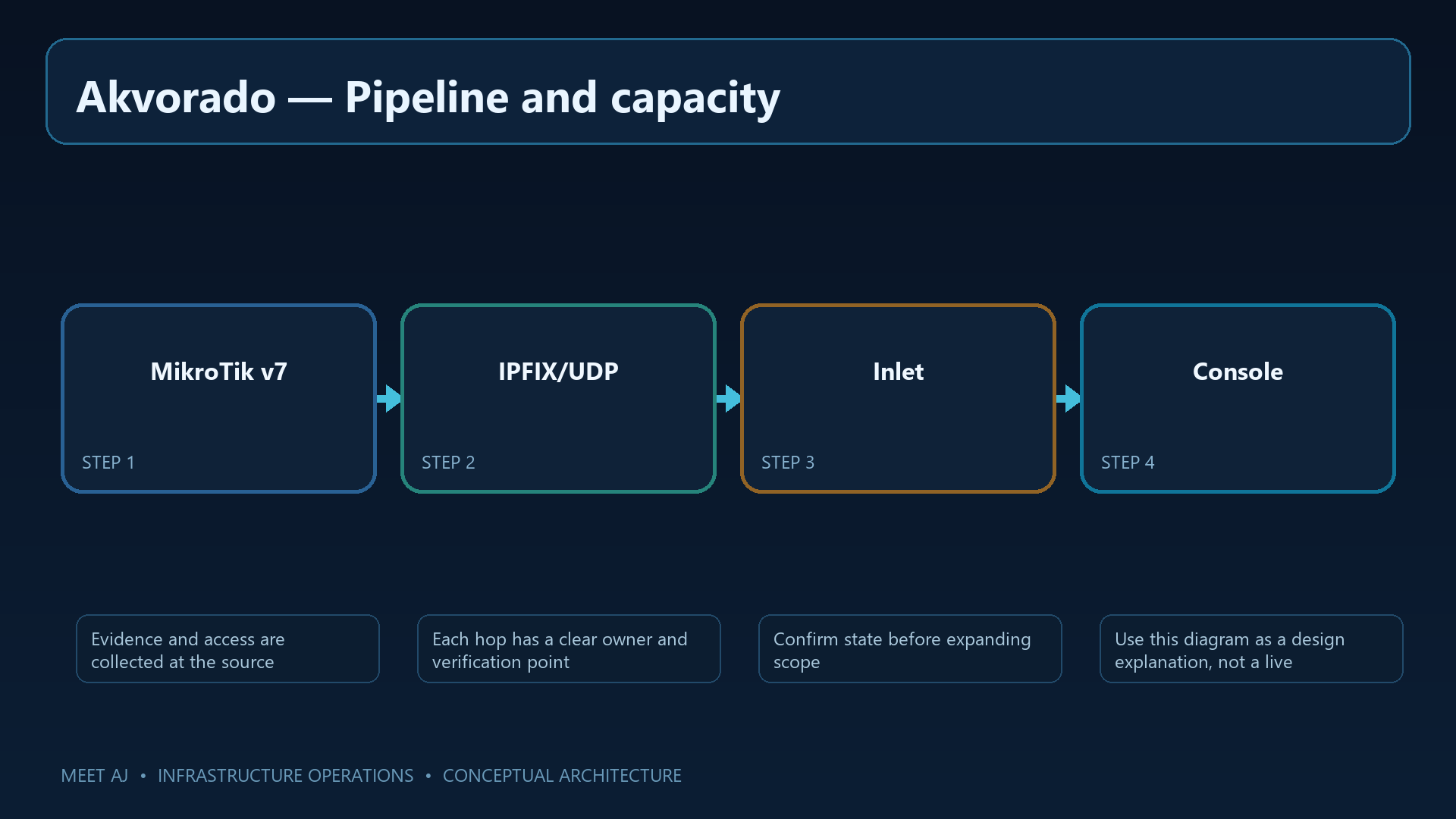
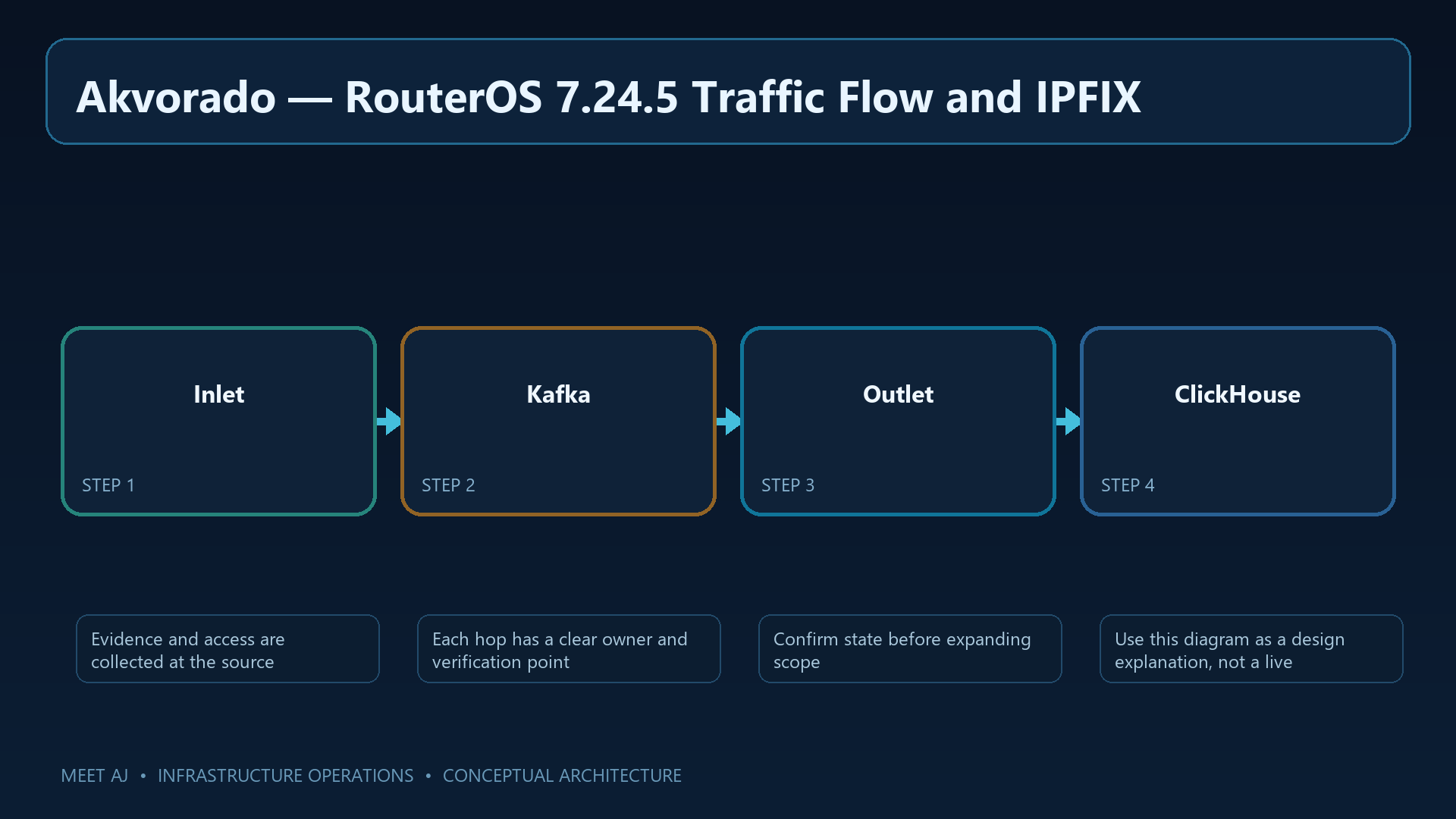
Comparing today's usage with yesterday requires stored records. ClickHouse is the database used to aggregate and query large volumes of traffic data. The deployment therefore includes several services: Inlet receives exports, Kafka buffers the stream, Outlet processes and enriches records, and Console displays query results from ClickHouse.
SNMP supplies management information such as readable interface names; without it, a chart may show only an interface number. The upstream starting recommendation is 8 vCPU, 16 GiB RAM and 100 GB disk. Incoming flow rate, the number of distinct values and retention duration change that requirement. Measure disk growth and query latency before expanding the exporter fleet.
2. Install the pinned upstream Compose stack
Docker Compose starts these services with a coordinated configuration. Download the quickstart archive for this exact release so that service names, configuration files and image versions match. Review them before launch. The config command checks Compose structure; it does not assess security or capacity.
Keep the config directory alongside the Compose files and track reviewed, secret-free changes in version control. Restrict Console's default TCP/8081 port to the management network. Kafka and ClickHouse should remain private services rather than public endpoints.
sudo apt update && sudo apt install -y docker.io docker-compose-v2 curl ca-certificates
sudo install -d -m 0750 /opt/akvorado && cd /opt/akvorado
sudo curl -fL https://github.com/akvorado/akvorado/releases/download/v2026.10.0/docker-compose-quickstart.tar.gz -o /tmp/akvorado-2026.10.0.tar.gz
sudo tar -xzf /tmp/akvorado-2026.10.0.tar.gz -C /opt/akvorado
sudo docker compose config --quiet
sudo docker compose up -d --wait
sudo docker compose ps
sudo docker compose logs --tail=100 akvorado-inlet akvorado-outlet akvorado-console
Inspect service state with compose ps and check Inlet, Outlet and Console logs for startup failures. Open the dashboard from an allowed network. An empty dashboard is expected before the router exports records; service readiness and successful flow reception are separate milestones.
3. RouterOS 7.24.5 Traffic Flow and IPFIX
MikroTik will now export summaries from selected interfaces to collector 192.0.2.30 on UDP/4739. The IPFIX fields include addresses, ports, protocol, byte and packet counts, and interface identifiers. Replace the example addresses and ether1/bridge-lan names with your lab's actual observation points. Observing multiple points along the same path can complicate volume accounting.
Traffic Flow sees packets processed by the RouterOS CPU. Hardware-offloaded bridging or L3HW routing may bypass that visibility, so an empty chart does not establish that a link is idle. Start with known CPU-routed test traffic and check hardware support for RouterOS 7.24.5 separately. Allow the collector port only from the exporter address.
/ip traffic-flow set enabled=yes interfaces=ether1,bridge-lan cache-entries=16k active-flow-timeout=1m inactive-flow-timeout=15s
/ip traffic-flow ipfix set bytes=yes packets=yes src-address=yes dst-address=yes src-port=yes dst-port=yes protocol=yes in-interface=yes out-interface=yes
/ip traffic-flow target add dst-address=192.0.2.30 port=4739 version=IPFIX src-address=192.0.2.1 v9-template-refresh=20 v9-template-timeout=1m
/ip traffic-flow print
/ip traffic-flow target print detail
# Permit UDP/4739 only from exporter 192.0.2.1 to collector 192.0.2.30.
The print commands should show the selected interfaces, IPFIX version and collector target. Generate test traffic, allow time for flow export, then inspect Inlet logs. A configured target proves intent to send; seeing the corresponding records in Akvorado verifies reception.
4. Collector identity, networks and metadata
The quickstart separates global, reception, processing and UI settings into akvorado.yaml, inlet.yaml, outlet.yaml and console.yaml. The YAML fragment below belongs in inlet.yaml; the shell commands that follow run in a terminal. Do not paste the entire block into YAML. The netflow decoder also accepts IPFIX.
Configure internal networks and external-interface classifiers in Outlet so that direction has a useful meaning. Fetch SNMP metadata through a read-only management identity. Using the packet source address can help identify an exporter that advertises the wrong address. Validate the complete configuration with orchestrator before restarting, and protect the effective configuration dump because it may contain sensitive settings.
# Merge these values with the release-provided config/inlet.yaml:
flow:
  inputs:
    - type: udp
      decoder: netflow
      listen: :4739
      workers: 3
      use-src-addr-for-exporter-addr: true
# See akvorado-outlet.yaml for the documented SNMP provider and interface-classifier shape.
sudo docker compose run --rm --no-deps akvorado-orchestrator orchestrator --check --dump /etc/akvorado/akvorado.yaml
sudo docker compose up -d --wait
sudo docker compose logs --since=5m akvorado-inlet akvorado-outlet
Configuration validation should finish without errors. Review the last five minutes of logs for decoding or SNMP failures, then compare the displayed exporter and interface labels with RouterOS. Records without readable labels indicate that reception works while metadata enrichment still needs attention.
5. Read the flow data and classify traffic
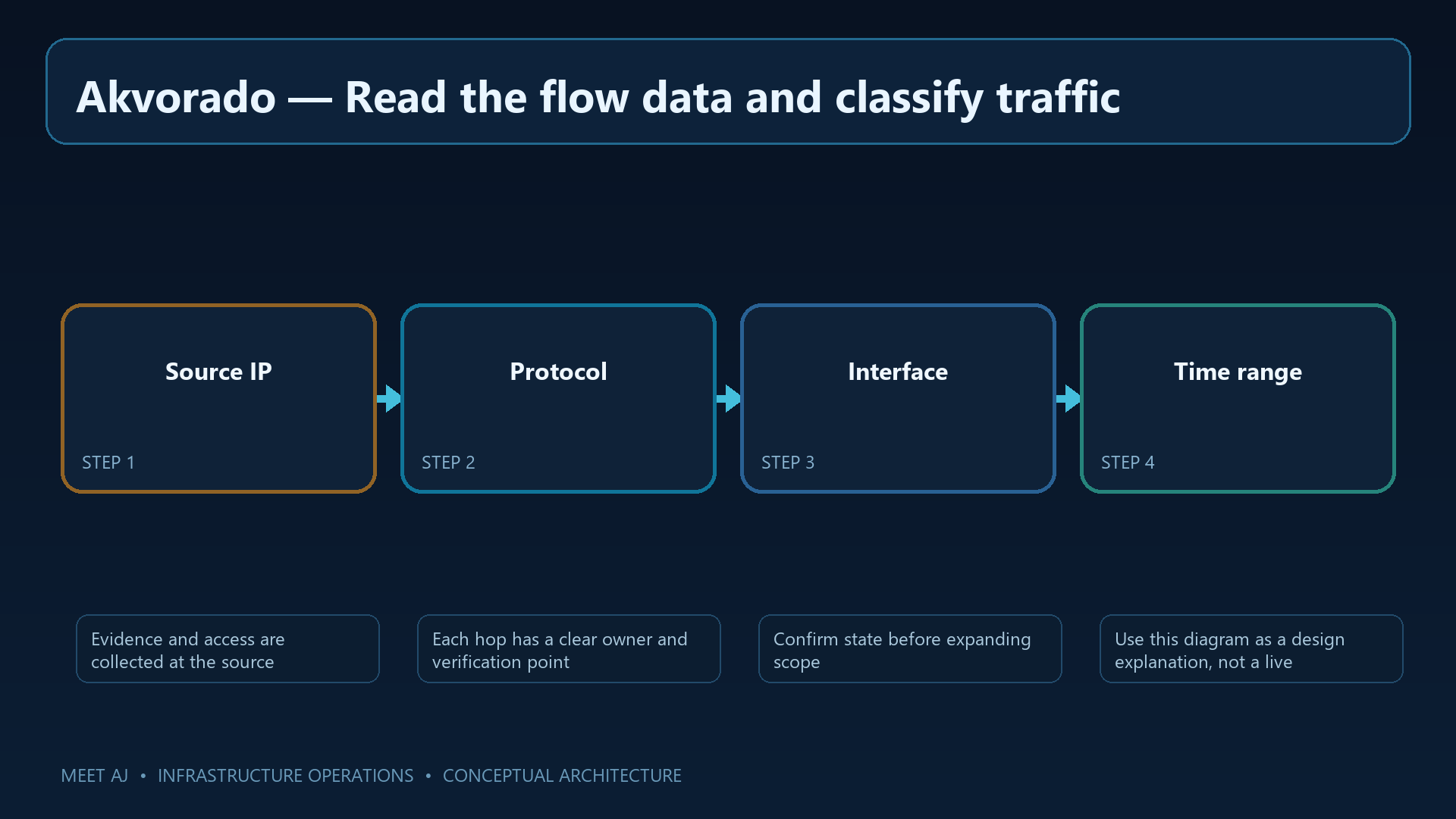
Select a five-minute interval covering the complaints and filter to one exporter and direction. Group by source IP and sort by bytes to find the largest contributors. For a busy source, inspect destination addresses and protocols, then compare the interval with an earlier quiet period or the same time on the previous day. A scheduled backup may show a different pattern from steadily increasing demand.
Bytes over an interval are not an instantaneous Mbps rate; check duration and chart units when comparing with the 500 Mbps link. Keep direction and observation point consistent to avoid double counting. An observed IP does not necessarily identify one employee, especially after NAT. Ports and protocols alone also do not establish an application name, particularly for encrypted traffic.
When sampling is enabled, only part of the traffic contributes observations and small conversations may be missed. Record the sampling factor, export delay and CPU visibility limits in your findings. Do not expect exact agreement with every interface counter until time range, direction and observed traffic scope match.
6. Retention, security and backup
Longer history needs more disk. ClickHouse TTL determines when records become eligible for removal; deletion and background merges also require time and working space. Choose retention around investigation needs and measured capacity, and alert on free space, growth and merge failures.
Restrict dashboard access and protect the web connection with HTTPS. Recovery needs a coordinated set of Compose/Akvorado configuration and a supported ClickHouse backup. The downloadable backup.sh captures configuration; it does not by itself preserve traffic history. Complete the ClickHouse procedure in the recovery runbook and rehearse it in isolation. Define acceptable data loss and downtime as the recovery-point and recovery-time objectives.
7. Troubleshooting and production checklist
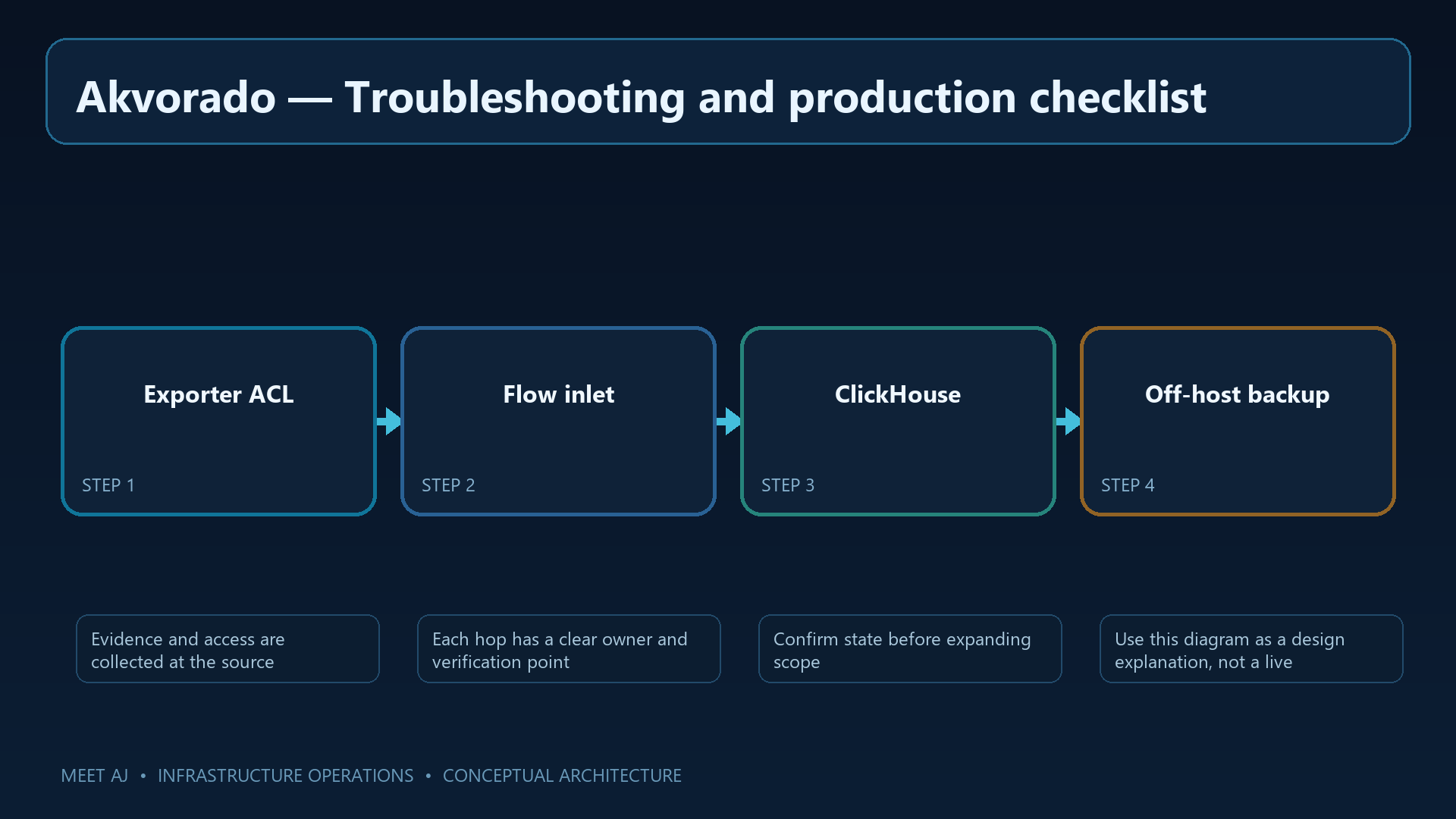
When no flows arrive, follow the chain from the router: is there observable traffic, are the exporter source and collector target correct, and can UDP/4739 reach Inlet? Then check decoding and template reception. A template describes a record's fields; some exported data cannot be interpreted until it arrives.
For missing interface labels, inspect SNMP and interface identifiers. For empty charts, check clocks, filters and the selected interval. Slow queries or disk pressure call for checking flow rate, distinct values, TTL and ClickHouse merges. Acceptance means explaining a known test transfer by source, destination, protocol and time, plus demonstrating recovery of retained history—not merely opening the dashboard.
Turn a busy-link graph into an evidence-based investigation
For the original slowdown, you can now report the interval, observation point, largest source and destination IPs, protocols and change from the comparison period. Include sampling and offload gaps with those findings. That gives the next investigation a concrete starting point without claiming payload visibility or application identification the records cannot support.
Downloads
Official References
Troubleshooting
| Symptom | Cause / Check | Resolution |
|---|---|---|
| Service does not start | Check service status, logs, ports, permissions, and configuration syntax. | Fix the reported dependency or syntax error, then restart and verify health checks. |
| Clients cannot connect | Validate DNS, routing, firewall policy, TLS, and listening address from both endpoints. | Allow only the required source and destination, reload safely, and retest with a controlled client. |
| Change caused an outage | Compare the change with the last known-good version and inspect audit and application logs. | Rollback the smallest possible change, restore service, then document the root cause and prevention. |
Conclusion
A reliable implementation of Install Akvorado for MikroTik NetFlow and IPFIX Traffic Analysis is more than a successful first run. Keep the configuration documented, observable, recoverable, and aligned with the team's change-management process.
FAQ
Can Akvorado show packet payload?
No. Flow records describe traffic metadata; they do not contain packet payloads.
Why is bridged traffic missing on MikroTik?
Traffic Flow observes packets processed by the RouterOS CPU; hardware-offloaded traffic bypasses it.
Should Kafka and ClickHouse be internet reachable?
No. Keep Kafka and ClickHouse on private service networks behind firewall rules.
Can ClickHouse data be copied while running?
Only use a supported coordinated backup method; copying a live data directory is not consistent.