Community tool and initial risk boundary
Checking routers in several offices means switching between WinBox windows or management sessions. Even a quick CPU and interface review requires opening each router separately. A shared dashboard could reduce that repetition, provided it reads the required information accurately and does not gain excessive access.
MikroDash is a community project for centralized MikroTik visibility and management, not an official MikroTik product. It communicates through the RouterOS API: a way for software to make specific requests instead of clicking through WinBox. This evaluation starts with system resources and interface counters. DHCP, route or VPN pages must be assessed individually against the selected release, router model and actual permissions; a visible page does not guarantee usable data in every field.
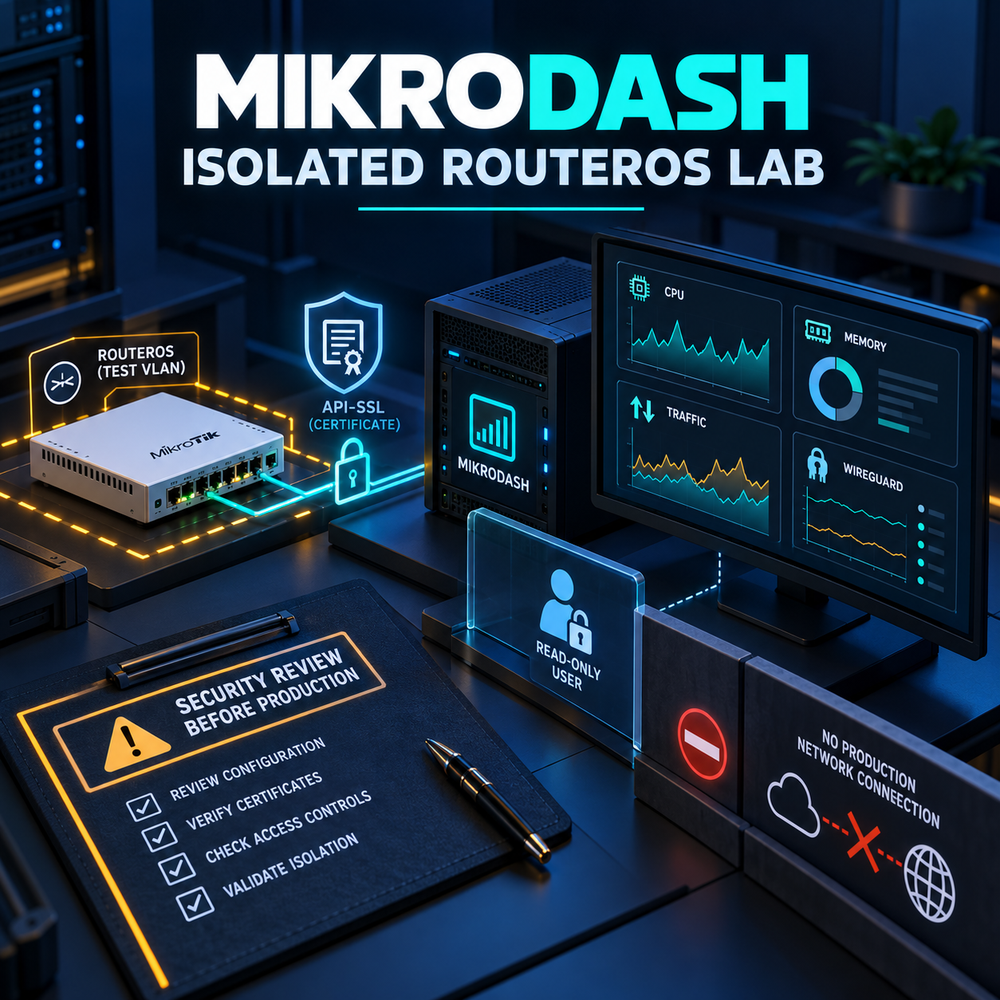
We will deploy MikroDash v0.8.70 in an isolated lab, connect one non-production RouterOS 7.24.5 router through a restricted read-only account, and compare displayed information with the router. The application stores router credentials and includes management functions. Do not connect production routers before security assessment and operational approval are complete.
Prerequisites
Use a supported release, a tested backup, administrative access, a maintenance window when required, and a rollback plan. Validate DNS, time synchronization, firewall rules, storage, and monitoring before implementation.
Architecture and Core Concepts
Understand the data flow, trust boundaries, dependencies, and the expected state before changing a live environment. Separate control-plane configuration from data-plane traffic and document every external dependency.
Configuration and Validation
Apply the smallest configuration that satisfies the requirement. Keep environment-specific values in a secret-managed configuration, validate syntax before reload, and verify the result from both the service and client perspectives.
Security Considerations
Production safety
- Do not expose management interfaces or databases to the public Internet.
- Store passwords, tokens, and private keys outside the article and source repository.
- Patch dependencies, restrict administrative access, and retain audit logs.
1. Pinned release and isolated Compose deployment
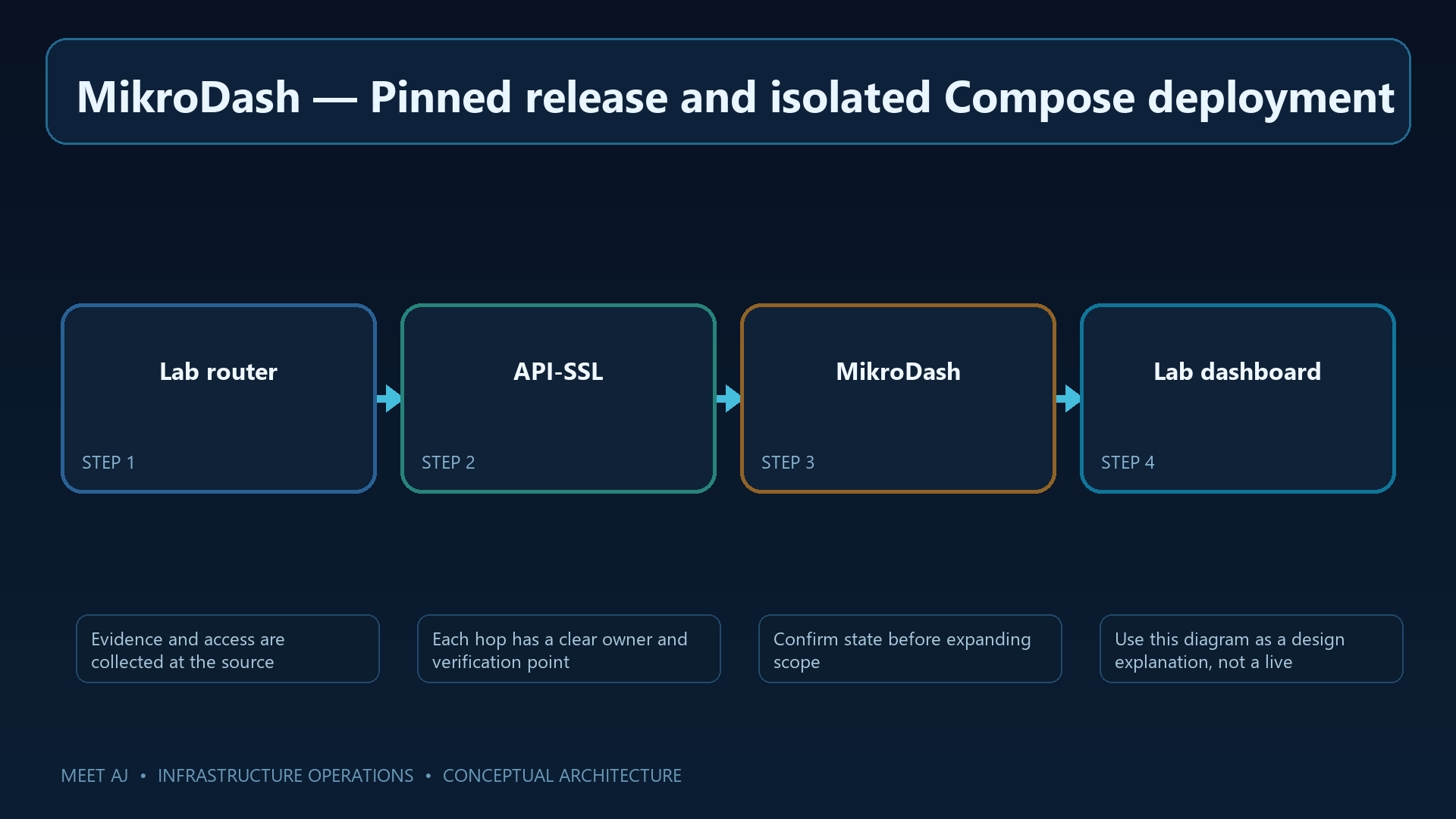
Choose an isolated VM/network and pin v0.8.70. The downloadable compose.yaml specifies that image, a local 3081 listener and persistent /data storage. Compose describes service startup and the host-directory mapping that keeps state across container replacement. Compare its image name and paths with the selected release before launch.
The project's current setup does not require an .env file; the administrator account is created during initial web setup. The retained block's .env.example and secret comments apply only to a custom deployment that actually uses those inputs. Use the provided compose.yaml and /data for this evaluation rather than inventing a file to satisfy those comments. Keep 3081 private and protect application state and encryption material from the outset.
# Run only inside a disposable lab VM/network. Review the upstream v0.8.70 compose.yaml first.
mkdir -m 0750 mikrodash-lab && cd mikrodash-lab
# Copy the release-pinned upstream compose.yaml and .env.example here.
# Set a unique dashboard password and encryption secret in a root-readable .env (chmod 0600).
# Bind the web port to the lab host only, e.g. 127.0.0.1:3081:3081.
docker compose config --quiet
docker compose pull
docker compose up -d
docker compose ps
docker compose logs --tail=100
After Compose validation, inspect container state and startup logs. Reach the interface only through the allowed lab path, create the initial administrator with a unique password and test a fresh login. No production router should be added; the next step prepares access to the test device.
2. Create a genuinely restricted RouterOS account
The dashboard needs a RouterOS identity, but the built-in read group includes sensitive or operational rights beyond its name. This custom group retains read, api and test while excluding write, policy, sensitive and reboot. Review even test against the features actually needed; the aim is minimum required access.
Use API-SSL with a certificate whose authority the application trusts. API-SSL without an appropriate certificate does not establish router identity. Replace router-api-cert with your prepared certificate and 192.0.2.30 with the lab host address. Inspect the existing input-chain order before inserting rules; the example's numeric placement is not safe to apply blindly. Make these lab-router changes with an authorized administrator, then let the dashboard connect only through the restricted identity.
/user group add name=mikrodash-ro policy=read,api,test,!local,!telnet,!ssh,!ftp,!reboot,!write,!policy,!winbox,!web,!sniff,!sensitive,!romon,!rest-api
/ip service set api disabled=yes
/ip service set api-ssl disabled=no port=8729 address=192.0.2.30/32 certificate=router-api-cert
/user add name=mikrodash group=mikrodash-ro address=192.0.2.30/32 password=REPLACE_WITH_UNIQUE_SECRET
/ip firewall filter add chain=input action=accept protocol=tcp dst-port=8729 src-address=192.0.2.30 comment=LAB-MikroDash-API place-before=0
/ip firewall filter add chain=input action=drop protocol=tcp dst-port=8728,8729 comment=Drop-other-API-sources place-before=1
# Insert before any broad accept or final drop; review existing input-chain order first.
/user print detail where name=mikrodash
/ip service print where name~"api"
Inspect the user and service output for the custom group, source restriction, disabled plaintext API and expected certificate. Verify a basic read from the allowed host and rejection from an unauthorized source. Successful login establishes connectivity; permission boundaries still require separate assessment.
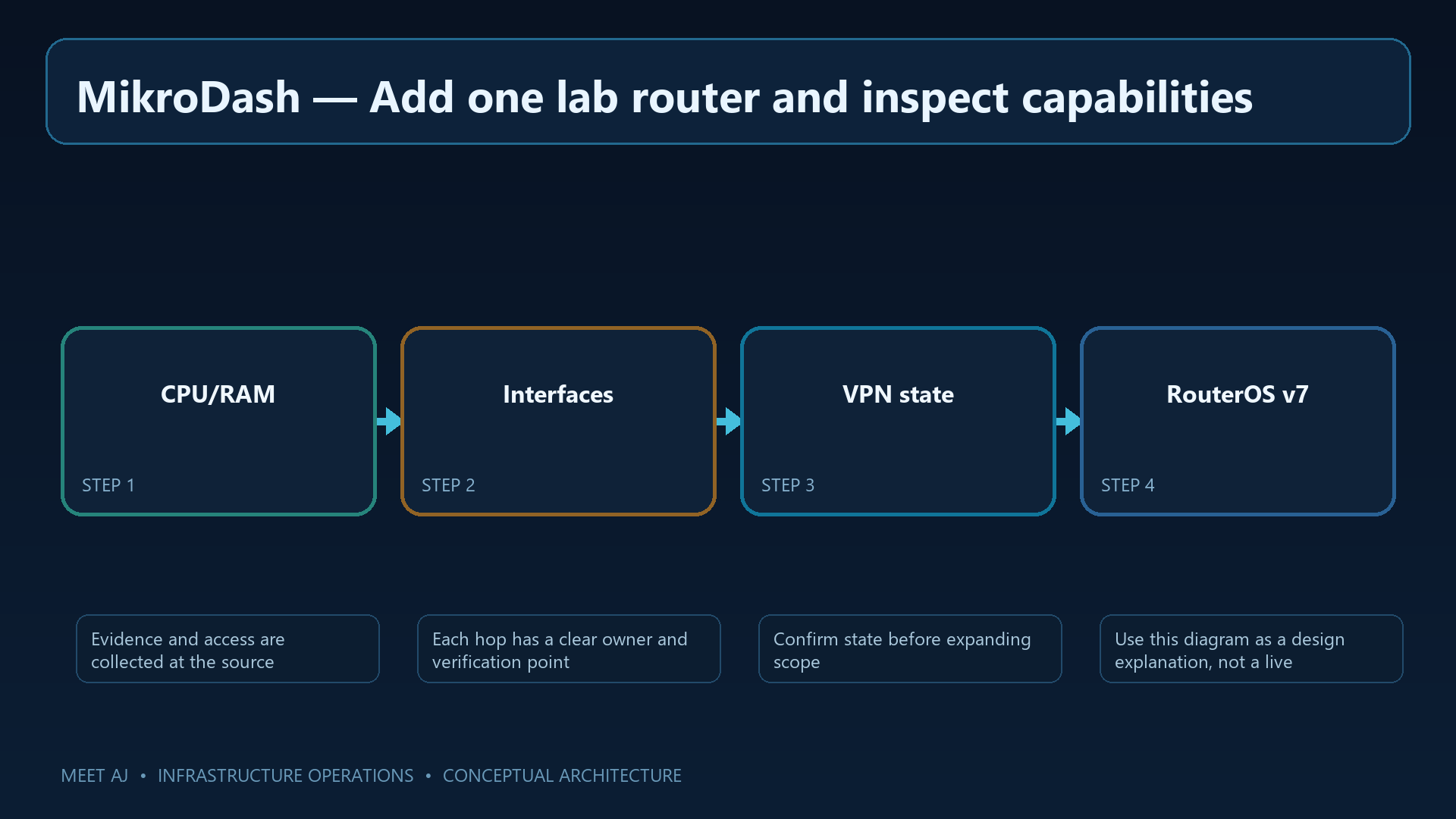
3. Add one lab router and inspect capabilities
Add one device using the lab router's management address and dedicated account. Compare CPU, memory and interface counters with RouterOS over a short observation period. Small differences may reflect collection timing; investigate persistent discrepancies or missing fields.
Evaluate required DHCP, route, VPN/WireGuard or firewall visibility individually. Record what works with this account, what is unsupported and what needs further investigation. If a page requests broader rights, identify the API request and its necessity before considering any change. Do not add write or sensitive simply to populate a screen, and leave terminal and configuration-changing tools outside this initial evaluation.
4. Authentication, session and stored credentials
Dashboard access can expose router information. Keep administrator authentication enabled, put the interface behind HTTPS and limit sources to lab operators. Encrypted credential storage helps, but possession of both data and key can still expose passwords; backups and keys remain sensitive.
Test logout, session expiry, roles and audit behavior in the selected build instead of assuming unverified controls exist. Follow release notes and the security policy; upstream maintenance focuses on the latest release, so pinning a reviewed version does not remove the need to track fixes. Do not expose this dashboard directly to the internet.
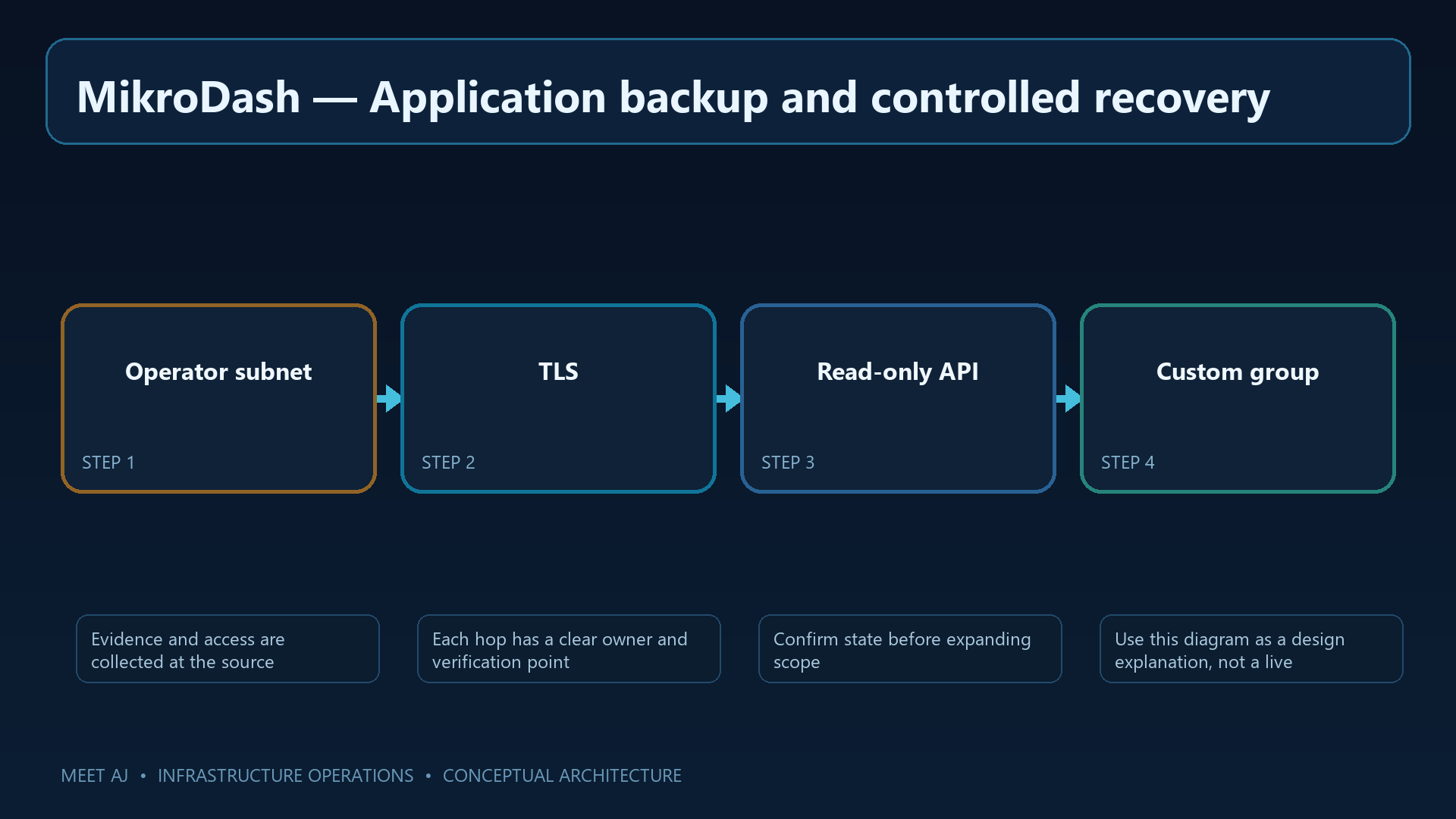
5. Application backup and controlled recovery
To reproduce the lab, preserve persistent data, Compose and the deployment's actual configuration and keys together. Stop application writes before copying database files. Keep a controlled recovery copy of encryption material separately, balancing recoverability with the risk of distributing data and keys together.
The retained excerpt archives .env; the provided deployment does not require that file, and its absence makes tar fail. Use the accompanying backup.sh for the downloadable compose.yaml: it archives Compose and data. For a customized deployment, include its real inputs and paths. Restore first into a separate instance disconnected from production routers.
#!/usr/bin/env bash
set -euo pipefail
umask 077
STAMP=$(date -u +%F-%H%M%S); OUT=/backup/mikrodash/$STAMP
install -d -m 0700 "$OUT"
docker compose stop
tar --numeric-owner -czf "$OUT/lab-state.tgz" ./compose.yaml ./.env ./data
sha256sum "$OUT/lab-state.tgz" > "$OUT/SHA256SUMS"
docker compose start
# Encrypt and transfer off-host; restore only into a separate isolated lab instance.
In the restored instance, verify login, the test-router record and a read using the restricted identity. Record recovery results and duration. Rotate test credentials if key or backup custody is uncertain; successfully opening the archive is not a complete recovery test.
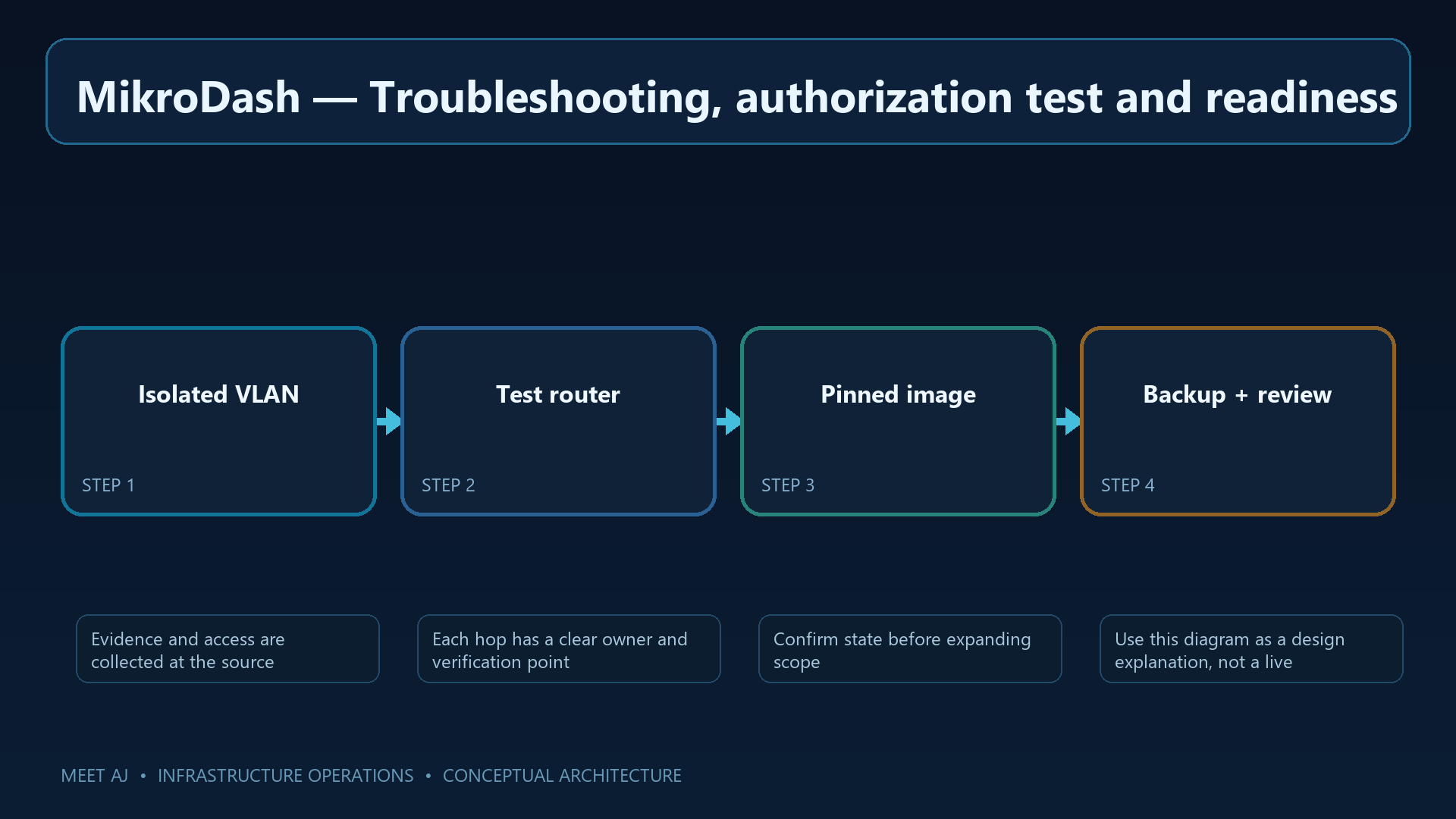
6. Troubleshooting, authorization test and readiness
For API connection errors, inspect service source restrictions, certificate trust, time and firewall logs; do not fall back to plaintext. For login failures, inspect group policies. For a missing field, identify the feature's API path and review application logs rather than broadly enabling permissions.
An invalid command may fail on syntax and does not by itself prove write authorization is denied. Establish the boundary through policy review and a controlled authorization test against an inconsequential lab-only object. This guide does not propose change tests on production routers. Code/dependency review, threat assessment, least privilege, audit behavior, patch handling and rollback rehearsal all require completion and approval before any production connection. Until then, this remains a lab evaluation.
Finish with an evaluation record
Record the exact application/router versions, working read-only views, missing information, observed session/audit behavior and recovery result. That record tells you whether this release helps the original multi-office monitoring task and what remains unresolved. A successful dashboard demonstration is one input to the security decision, not approval to connect production routers.
Downloads
Official References
Best Practices
- Version-control configuration and review changes.
- Use least privilege and explicit allow-lists.
- Automate repeatable checks and monitor the expected state.
- Test upgrades and restores before production rollout.
Conclusion
A reliable implementation of Install MikroDash for Centralized MikroTik RouterOS Monitoring and Management is more than a successful first run. Keep the configuration documented, observable, recoverable, and aligned with the team's change-management process.
FAQ
Can MikroDash be connected to production immediately?
No. Start in an isolated lab and require security and operational approval before any production connection.
Is RouterOS's built-in read group read-only?
No. RouterOS's built-in read group includes additional sensitive and operational policies; define a custom minimal group.
Does api-ssl without a certificate verify router identity?
No. api-ssl without a certificate does not authenticate server identity; use a trusted certificate.
Does encrypted credential storage remove backup risk?
No. Protect the encryption key and application backup as one recovery risk.