Why put network jobs behind a control plane
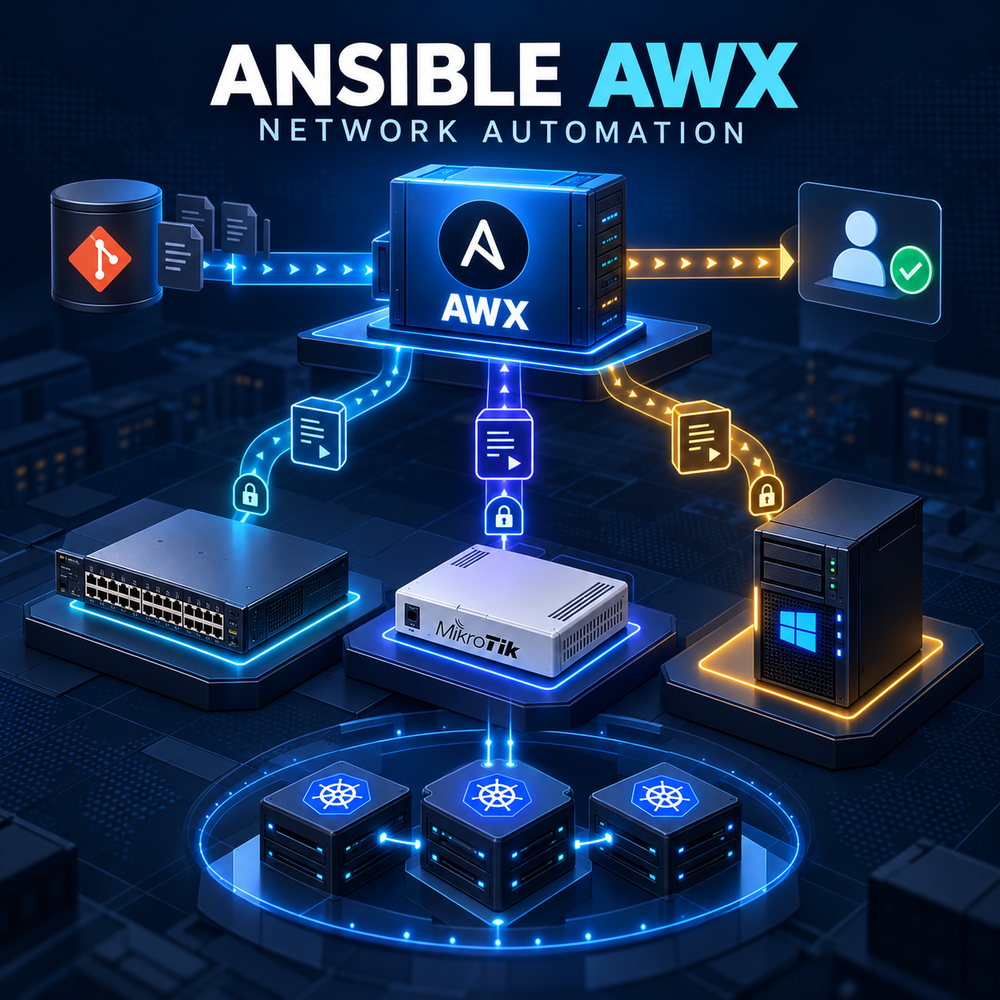
You manage 40 Cisco switches, 20 MikroTik routers and 30 Windows servers. Each week brings similar tasks: collecting configurations, checking services or applying an approved change to several systems. Signing in to every device takes time and makes it easy to miss a step or lose the record of what happened.
Ansible executes those tasks from a Playbook: a file describing work to perform on selected systems. AWX provides a web interface for managing those runs. An Inventory lists the targets; a Job Template selects the Playbook, inventory and credentials. When launched, AWX runs the work in its assigned execution environment and records results for each host, giving the team a shared workflow and job history.
We will deploy AWX 24.6.1 with Operator 2.19.1, register test devices and credentials, then run read-only jobs against Cisco, MikroTik and Windows. You will learn how to select targets, launch a job and inspect its outcome. Configuration changes require a separately reviewed path with explicit approval and a tested recovery plan.
Architecture and Core Concepts
Understand the data flow, trust boundaries, dependencies, and the expected state before changing a live environment. Separate control-plane configuration from data-plane traffic and document every external dependency.
Configuration and Validation
Apply the smallest configuration that satisfies the requirement. Keep environment-specific values in a secret-managed configuration, validate syntax before reload, and verify the result from both the service and client perspectives.
Security Considerations
Production safety
- Do not expose management interfaces or databases to the public Internet.
- Store passwords, tokens, and private keys outside the article and source repository.
- Patch dependencies, restrict administrative access, and retain audit logs.
1. Prerequisites and operator deployment
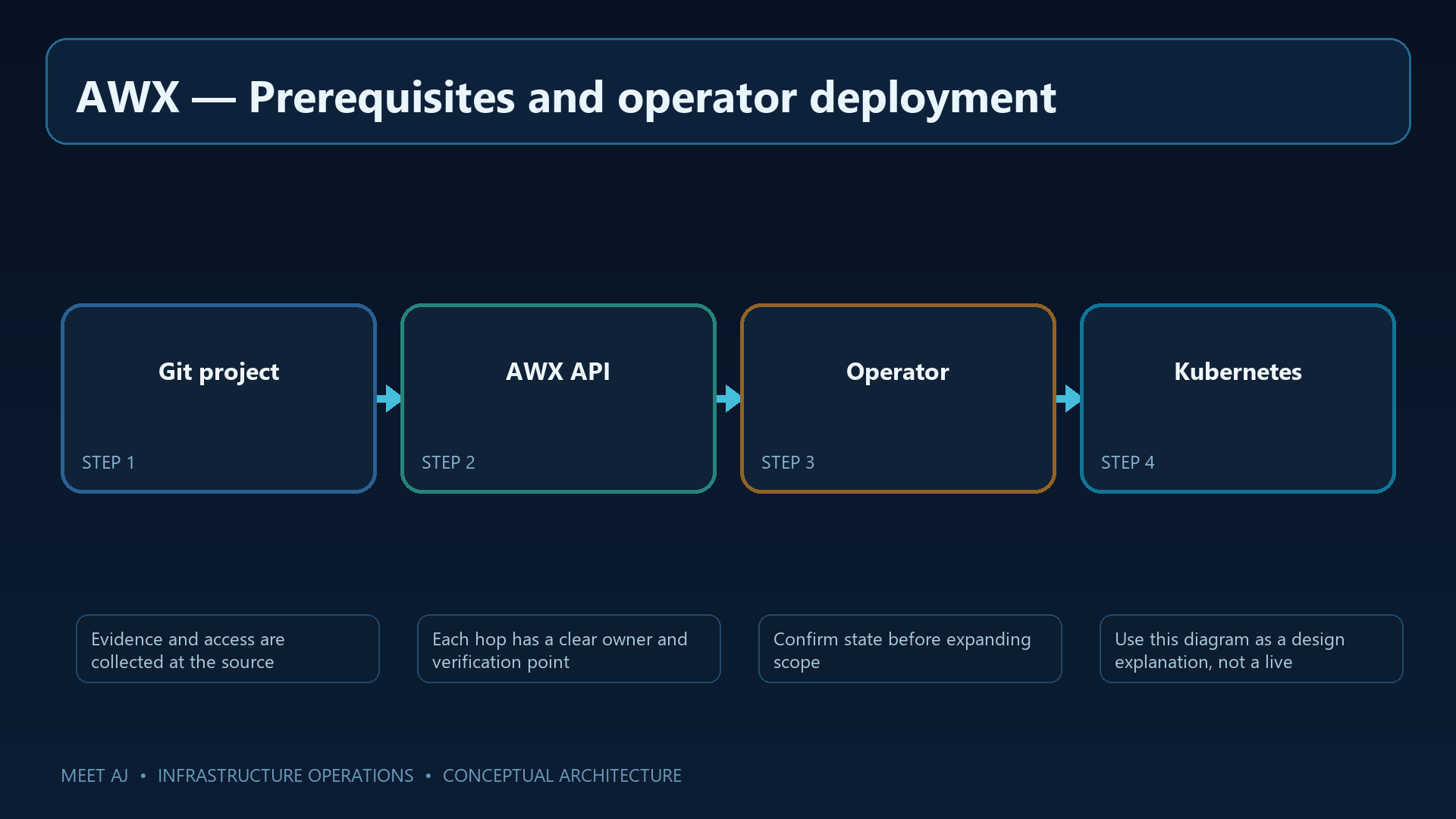
With AWX's purpose established, we can choose its installation environment. Kubernetes runs the application services, while the Operator creates and manages AWX components. Pods are running service instances; persistent storage keeps data when those instances are replaced. The commands assume an existing supported cluster with persistent storage, DNS and an HTTPS ingress path. They do not install Kubernetes.
Pin the Operator release and inspect the AWX version it expects. Check Kubernetes and StorageClass compatibility for that release. A small lab deployment is not a production availability or capacity design. Confirm the kubectl context before creating resources so the work reaches the intended cluster.
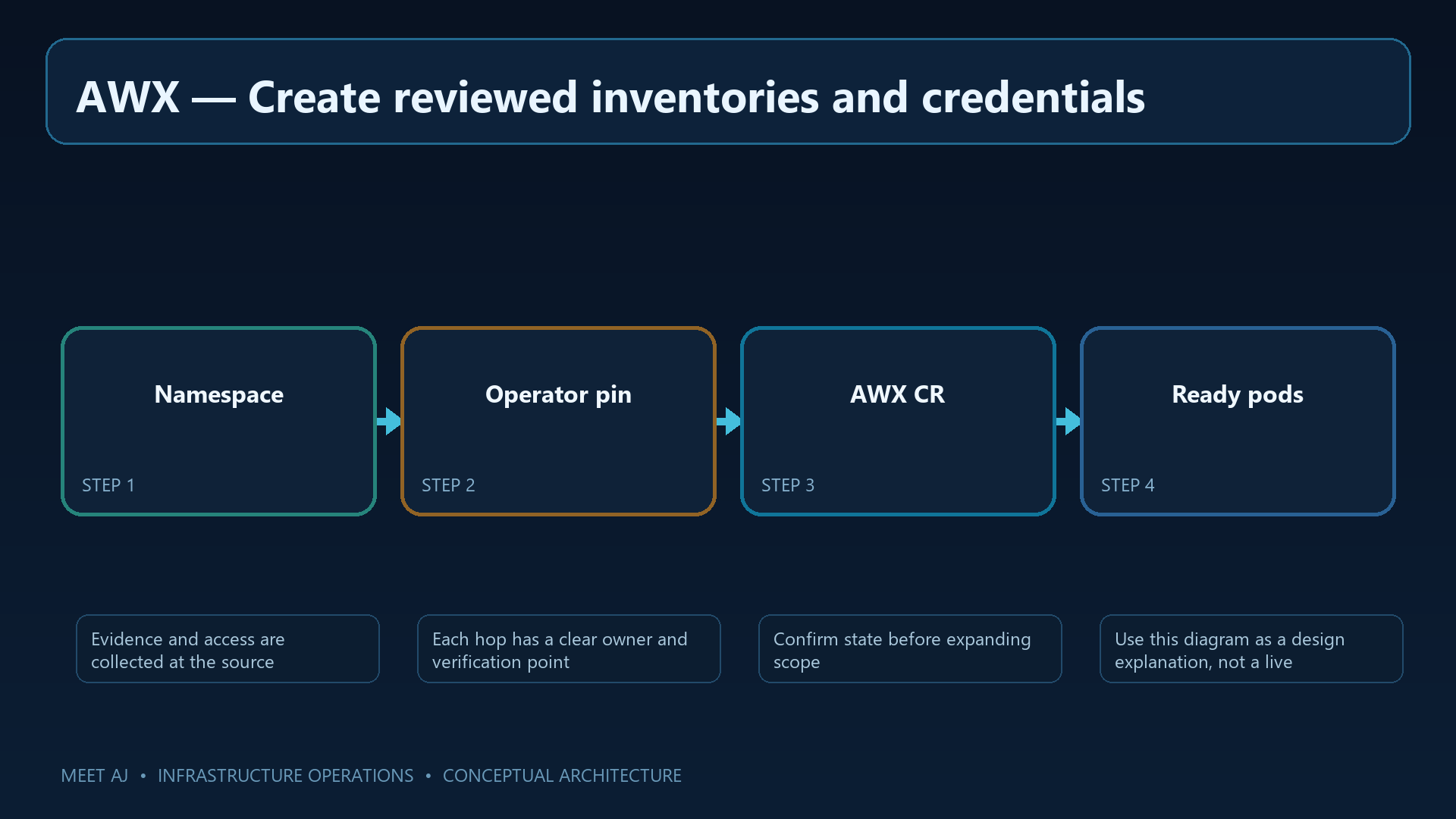
kubectl create namespace awx
kubectl apply -k 'github.com/ansible/awx-operator/config/default?ref=2.19.1' -n awx
kubectl -n awx get pods -w
# Review the release-specific default before pinning AWX:
docker run --rm --entrypoint='' quay.io/ansible/awx-operator:2.19.1 sh -c 'env | grep DEFAULT_AWX_VERSION'
A ready Operator pod confirms the controller is installed; the AWX instance comes next. Stop the watch with Ctrl+C when ready. Record DEFAULT_AWX_VERSION and resolve any difference from the selected AWX release before continuing.
2. Deploy AWX with persistent data
The resource below asks the Operator to create an instance named controller. PostgreSQL needs persistent space for users, settings and job history; projects receive separate storage. Replace REPLACE_STORAGE_CLASS with a class available in your cluster, otherwise the persistent volume claims may remain Pending.
ClusterIP keeps the service within the cluster; publish the web interface through an internal TLS ingress. Preserve the AWX secret key, administrator password Secret and PostgreSQL recovery data together. Losing the key can prevent recovery of stored credentials. The example's 20Gi and 10Gi allocations are storage starting points, not a concurrent-job capacity plan.
cat > awx.yaml <<'EOF'
apiVersion: awx.ansible.com/v1beta1
kind: AWX
metadata:
  name: controller
  namespace: awx
spec:
  service_type: ClusterIP
  postgres_storage_class: REPLACE_STORAGE_CLASS
  postgres_storage_requirements:
    requests:
      storage: 20Gi
  projects_persistence: true
  projects_storage_class: REPLACE_STORAGE_CLASS
  projects_storage_size: 10Gi
EOF
kubectl apply -f awx.yaml
kubectl -n awx get awx,pods,svc,pvc
kubectl -n awx logs deployment/awx-operator-controller-manager -c awx-manager --tail=100
Check readiness of the web, task and database pods and confirm that PVCs are bound. If reconciliation stalls, inspect Operator logs and storage events. Test login through the intended HTTPS route once components are ready; accepting the AWX resource alone does not establish application readiness.
3. Create reviewed inventories and credentials
Create a test Inventory in the web interface and separate Cisco, MikroTik and Windows into groups. Add each host's address and required connection variables. Inventory selects targets; it is not a password store. Create Credentials separately and limit their use to the appropriate team.
Keep reviewed Playbooks in a protected Git repository and register it as a Project. Select an Execution Environment: the runtime package containing Ansible, required Collections and libraries. A Collection supplies modules for a platform or task family. Pin those dependencies for repeatable runs, and keep passwords and private keys out of Git and inventory variables.
4. Read-only Cisco and MikroTik collection jobs
Start with observation-only tasks. The block combines inventory and Playbook examples; save them as separate files. Cisco's ios_facts reads device information. The RouterOS commands inspect resources and interfaces without changing configuration. This example uses network_cli; match connection variables to the installed Collection version.
After syncing the Project, create a Job Template selecting the read-only Playbook, test Inventory, suitable platform Credentials and Execution Environment. Limit the first launch to one host; separate templates can make platform-specific credential selection clearer. Configuration collection examples are also downloadable, but a RouterOS text export is neither a binary backup nor evidence of a successful restore.
# inventory.ini (no credentials)
[cisco]
192.0.2.11 ansible_network_os=cisco.ios.ios ansible_connection=ansible.netcommon.network_cli
[mikrotik]
192.0.2.21 ansible_network_os=community.routeros.routeros ansible_connection=ansible.netcommon.network_cli

# read-only.yml
- name: Collect device state only
  hosts: all
  gather_facts: false
  tasks:
    - name: Gather Cisco IOS facts
      cisco.ios.ios_facts:
      when: ansible_network_os == 'cisco.ios.ios'
    - name: Gather RouterOS resources
      community.routeros.command:
        commands:
          - /system/resource/print
          - /interface/print terse
      when: ansible_network_os == 'community.routeros.routeros'
    - name: Display collected facts
      ansible.builtin.debug:
        var: ansible_facts
Open each host and task result in the Job output. Compare Cisco facts with the device. For RouterOS, inspect the command task's own output: the final ansible_facts debug task does not necessarily contain those command results. A successful job status still needs a content check before the target scope expands.
5. Windows Server over encrypted WinRM
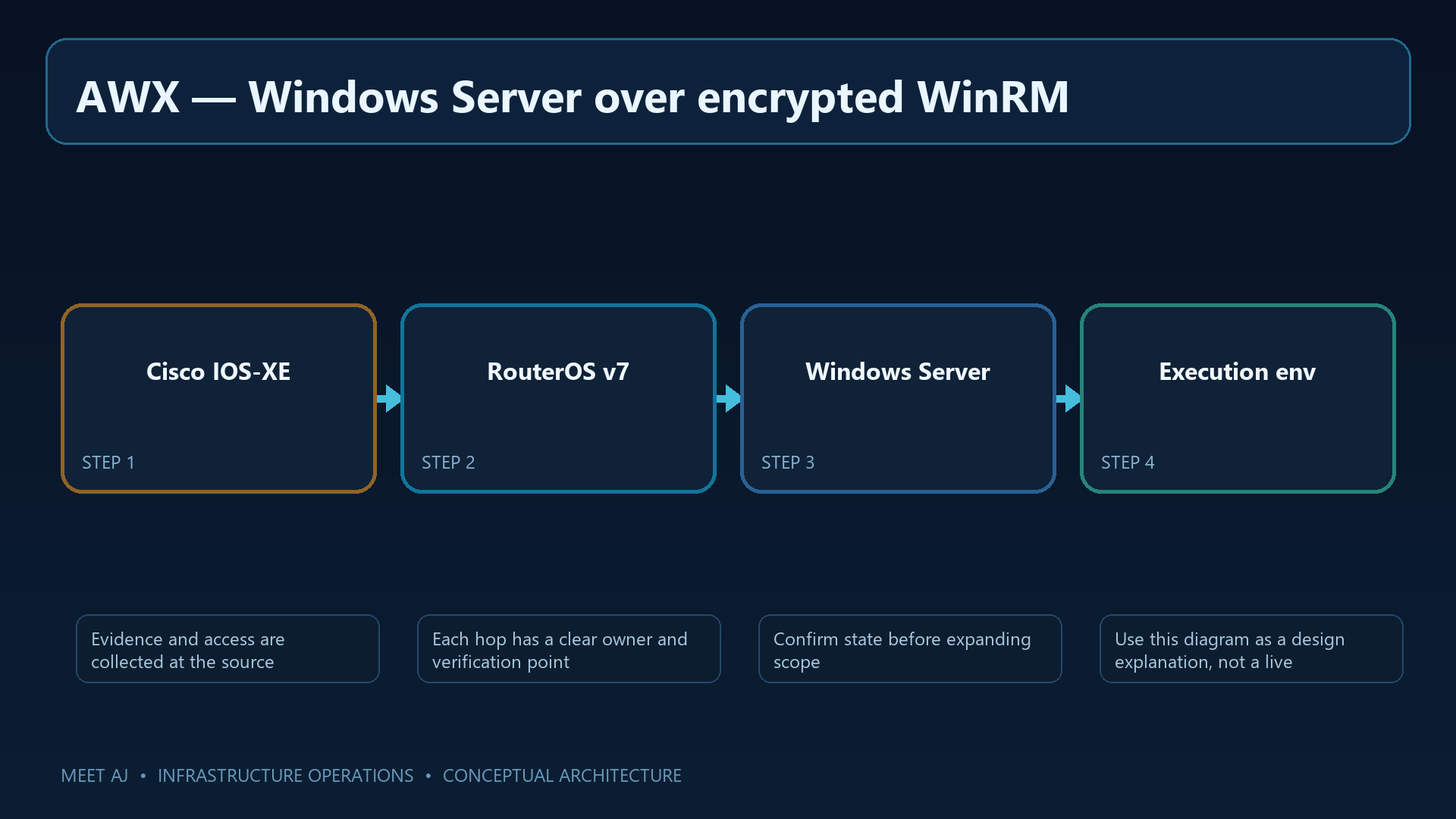
Windows management uses an encrypted connection. WinRM receives remote management requests; PSRP is the PowerShell remoting protocol selected in this example. Prepare an HTTPS listener on 5986, a certificate trusted for the server name and a firewall scope limited to AWX execution nodes. Keep certificate validation enabled.
Install the required PSRP/WinRM libraries and Windows Collection in the Execution Environment, and delegate only the service identity's required rights. Save the inventory and Playbook portions below separately. This job reads Spooler status; any service-changing example belongs in a distinct template with review and explicit approval.
# windows.yml (secrets are AWX credential fields)
all:
  children:
    windows:
      hosts:
        win-app-01.example.invalid:
      vars:
        ansible_connection: ansible.builtin.psrp
        ansible_port: 5986
        ansible_psrp_protocol: https
        ansible_psrp_cert_validation: validate

# windows-service-read.yml
- name: Inspect a Windows service without changing it
  hosts: windows
  gather_facts: false
  tasks:
    - ansible.windows.win_service_info:
        name: Spooler
      register: service_state
    - ansible.builtin.debug:
        var: service_state.services
Inspect service_state.services for the service's presence and state, then compare with the server locally. Distinguish transport failures from insufficient rights or an absent service. Fix hostname, trust-chain or clock problems rather than bypassing TLS validation.
6. Approval gates, backups and rollback
Reading state and changing configuration carry different risks. For a change, define scope, expected results and the return path first. Check Mode offers a preview only where the module supports it; it does not simulate the entire network or guarantee a safe change. A second operator should review the plan and preview before approving the actual launch.
A change Workflow must explicitly implement configuration capture, a bounded change, reachability and state checks, and a tested rollback path. Creating a Job Template does not add those behaviors, and this article's read-only Playbooks contain no rollback logic. Protect sensitive job output and retain audit records off-host. Back up AWX through the Operator's documented AWXBackup/restore process, recovering its database, Secrets, Kubernetes resources and persistent state together in isolation.
7. Git sync, schedules and troubleshooting
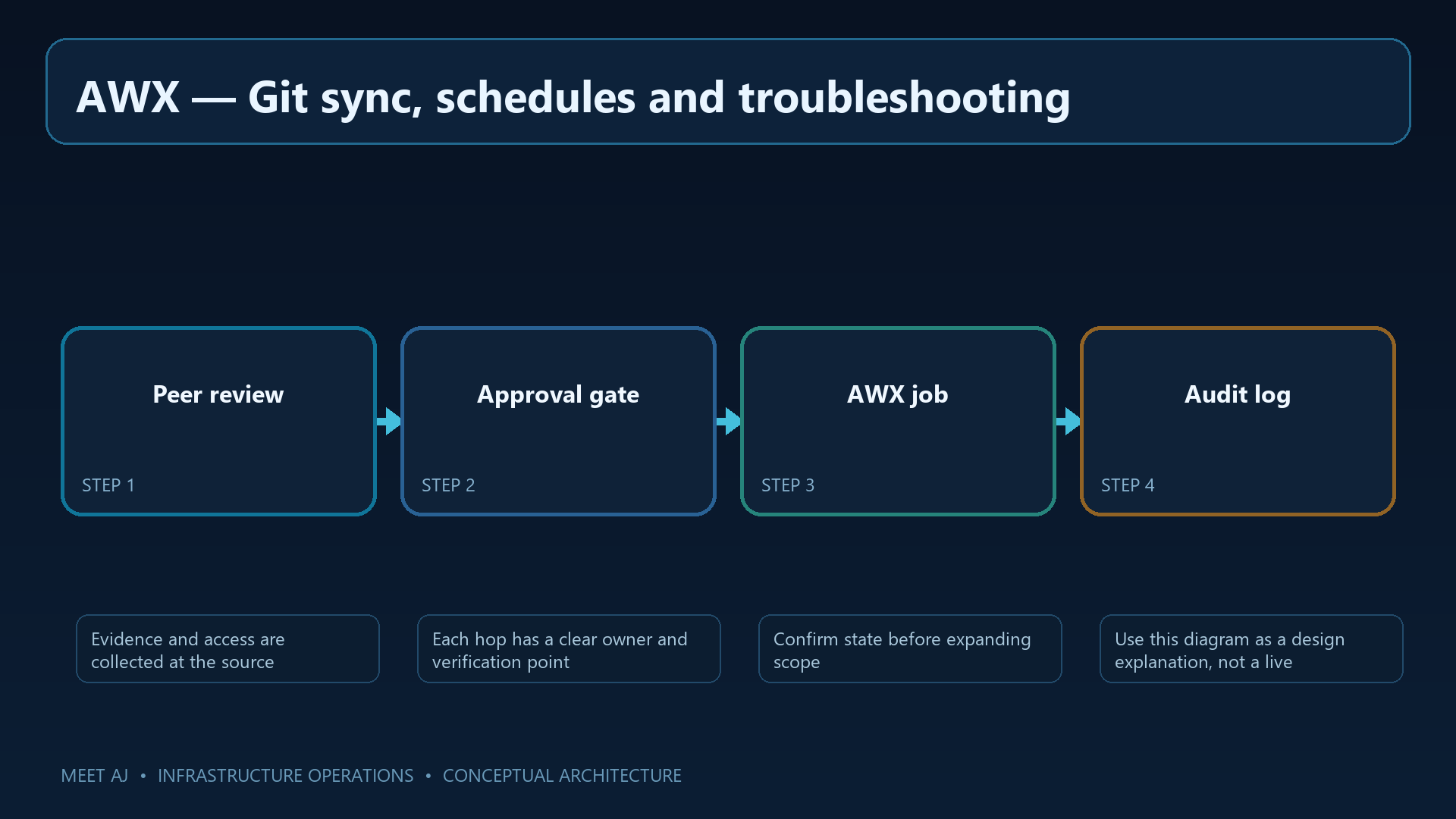
Once manual read-only runs are reliable, add a schedule. Connect the Project to a protected branch with a read-only deploy key and update it through a schedule or webhook. A webhook is a trigger, not a substitute for Git review. Limit Survey inputs—the values a user supplies at launch—and concurrency to prevent unintended scope or load.
For Pending pods, inspect scheduling and PVC events. For device login failures, test from the actual Execution Environment; successful SSH from your laptop says little about the execution node's access. Module failures require checking Collections, libraries and connection variables. Send notifications only to an approved channel and retain approval gates for configuration-changing jobs.
8. FAQ and production acceptance
Before adding the entire fleet, obtain verifiable results from one Cisco device, one MikroTik router and one Windows server. Each run should identify its initiator, Playbook revision, targets and outcome. That record makes a shared operational workflow traceable.
For operational use, verify supported Kubernetes, HTTPS, role-based access, protected Credentials and a pinned runtime. Maintain a known read-only baseline, rehearse AWX/database recovery and require approval, configuration capture and tested rollback before changes. Automated execution still depends on reviewed instructions.
A weekly task the team can repeat and inspect
An operator can now open the appropriate Job Template, confirm the Inventory and Limit, launch the authorized read-only task and inspect results host by host. The same template can later run on a controlled schedule. Failed or unreachable hosts remain visible for follow-up; configuration-changing work stays in its separately approved workflow.
Downloads
Official References
Best Practices
- Version-control configuration and review changes.
- Use least privilege and explicit allow-lists.
- Automate repeatable checks and monitor the expected state.
- Test upgrades and restores before production rollout.
Conclusion
A reliable implementation of Install Ansible AWX and Automate Cisco, MikroTik and Windows Server is more than a successful first run. Keep the configuration documented, observable, recoverable, and aligned with the team's change-management process.
FAQ
Is AWX installed with Docker Compose for production?
No. Upstream recommends the AWX Operator on Kubernetes for managed deployments.
Does check mode work for every network module?
No. Check mode support depends on the module and must be verified per module.
Can I store a password in inventory?
No. Store passwords in encrypted AWX credentials, not inventory or Git.
Does a text export prove RouterOS recovery?
No. A text export is not proof of a working restore; rehearse recovery on a compatible lab device.