A switch-port incident: find the endpoint before touching the switch
An employee reports that their computer has lost its network connection. You have its IP or MAC address, but you do not know which Cisco switch and physical port the cable reaches. With dozens of switches across an office, signing in to each one and searching its MAC table can consume much of the troubleshooting time.
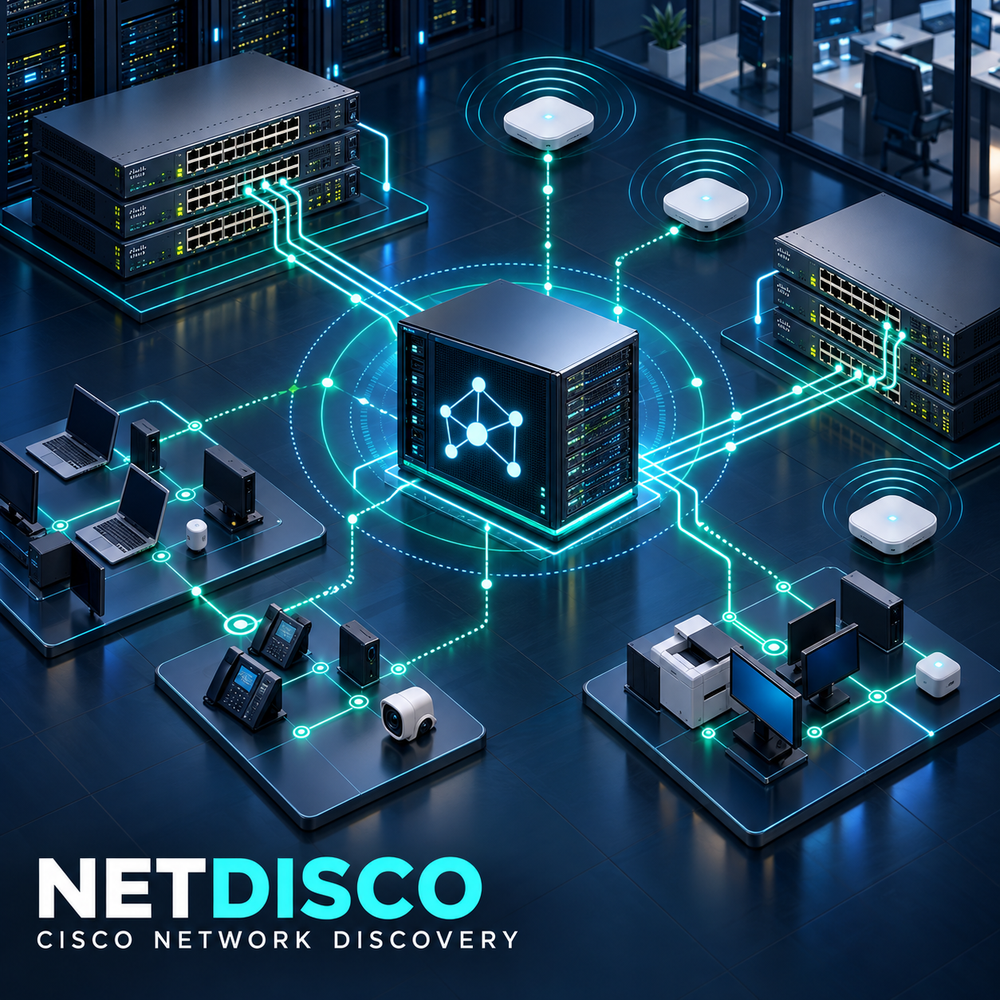
Netdisco collects switch information so you can investigate that connection from one web interface. It reads device details, interfaces, neighbors and observed addresses through SNMP: a standard way for management software to request information from network equipment. This guide uses read-only access. By combining those observations, Netdisco can identify the switch and port where a MAC address was last seen.
We will deploy Netdisco 2.111000 on Ubuntu 24.04, prepare SNMPv3 access to a test switch, and work through an IP or MAC search to its likely attachment port. The result is a searchable record of network observations, rather than a guarantee that every device is connected right now. The observation time will matter throughout the investigation.
Security Considerations
Production safety
- Do not expose management interfaces or databases to the public Internet.
- Store passwords, tokens, and private keys outside the article and source repository.
- Patch dependencies, restrict administrative access, and retain audit logs.
1. Architecture and data path
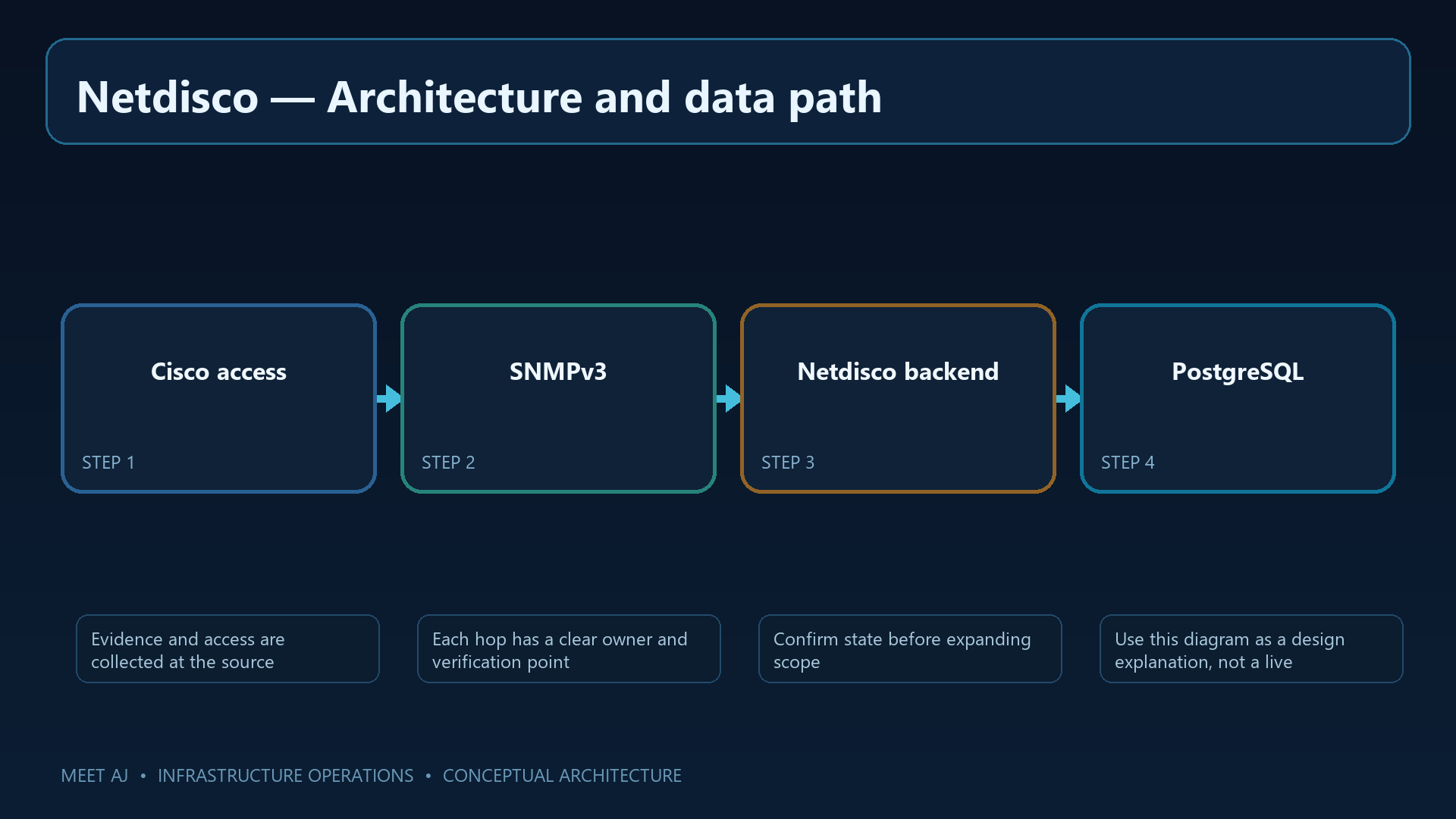
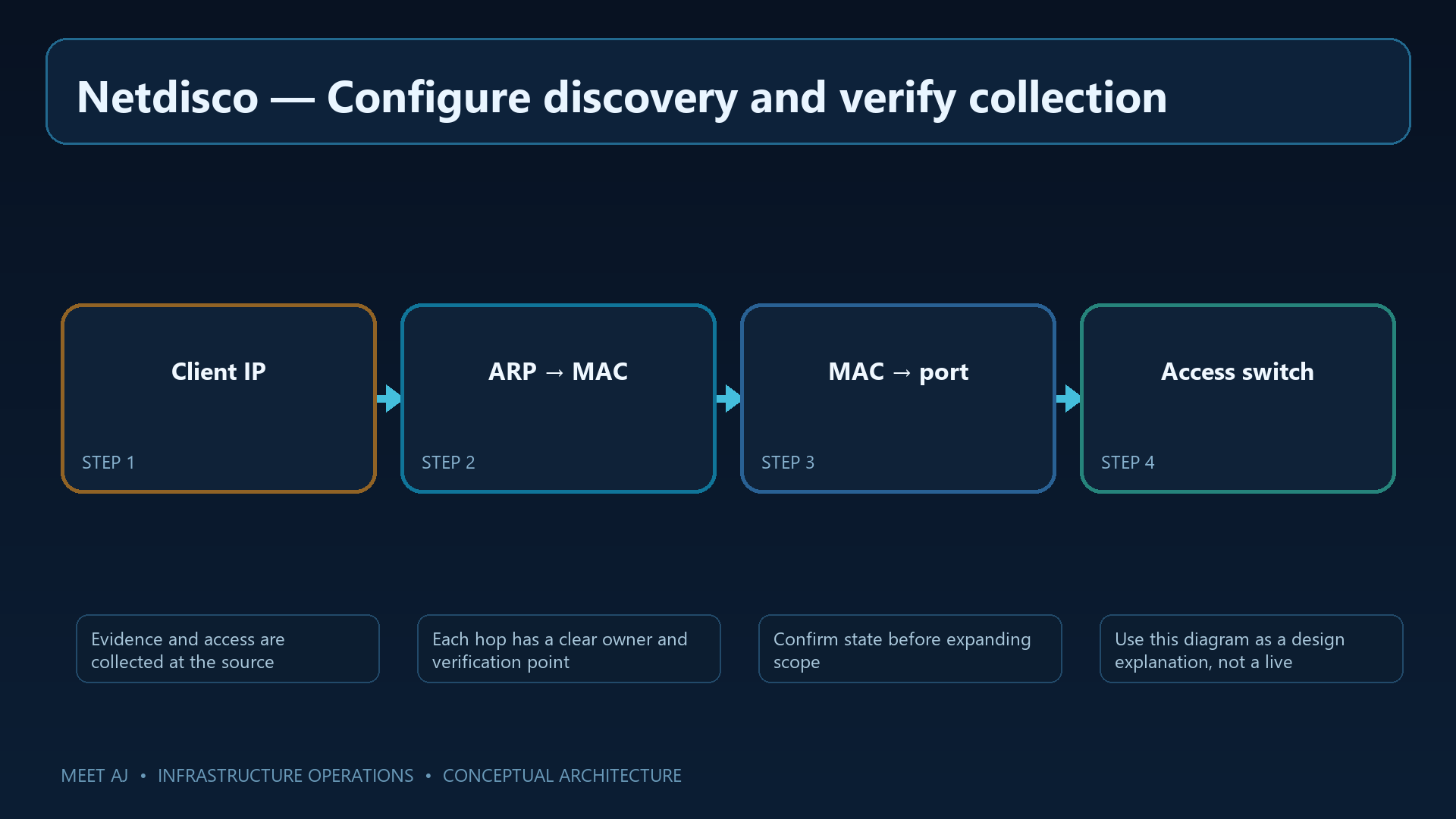
A port search depends on two relationships. An ARP table on a Layer 3 device relates an IP address to a MAC address. A switch MAC table records the port on which frames from that MAC were learned. An IP search needs both sources; a direct MAC search can start with the forwarding table.
Netdisco's collection workers read those tables and save observations in PostgreSQL, the database shared with the web interface. CDP and LLDP add links between neighboring switches, helping you follow a MAC that initially appears on an inter-switch link. A missing ARP table, a restricted SNMP view or unavailable neighbor information can leave part of this chain incomplete.
2. Prerequisites and network policy
For a lab or small campus, start with a dedicated Ubuntu 24.04 VM, 2 vCPU, 4–8 GiB RAM and 30 GiB SSD. These are starting allocations, not a capacity guarantee: device count and retained history determine database growth. Working DNS and synchronized time also matter when interpreting device names and observation timestamps.
Plan connectivity before installing. The collector needs UDP/161 to switch management addresses; operators should reach HTTPS only from the management network. Allow ICMP only under your network policy, and keep PostgreSQL on the private service network. Addresses in 192.0.2.0/24 are documentation examples and must be replaced with your own lab addresses.
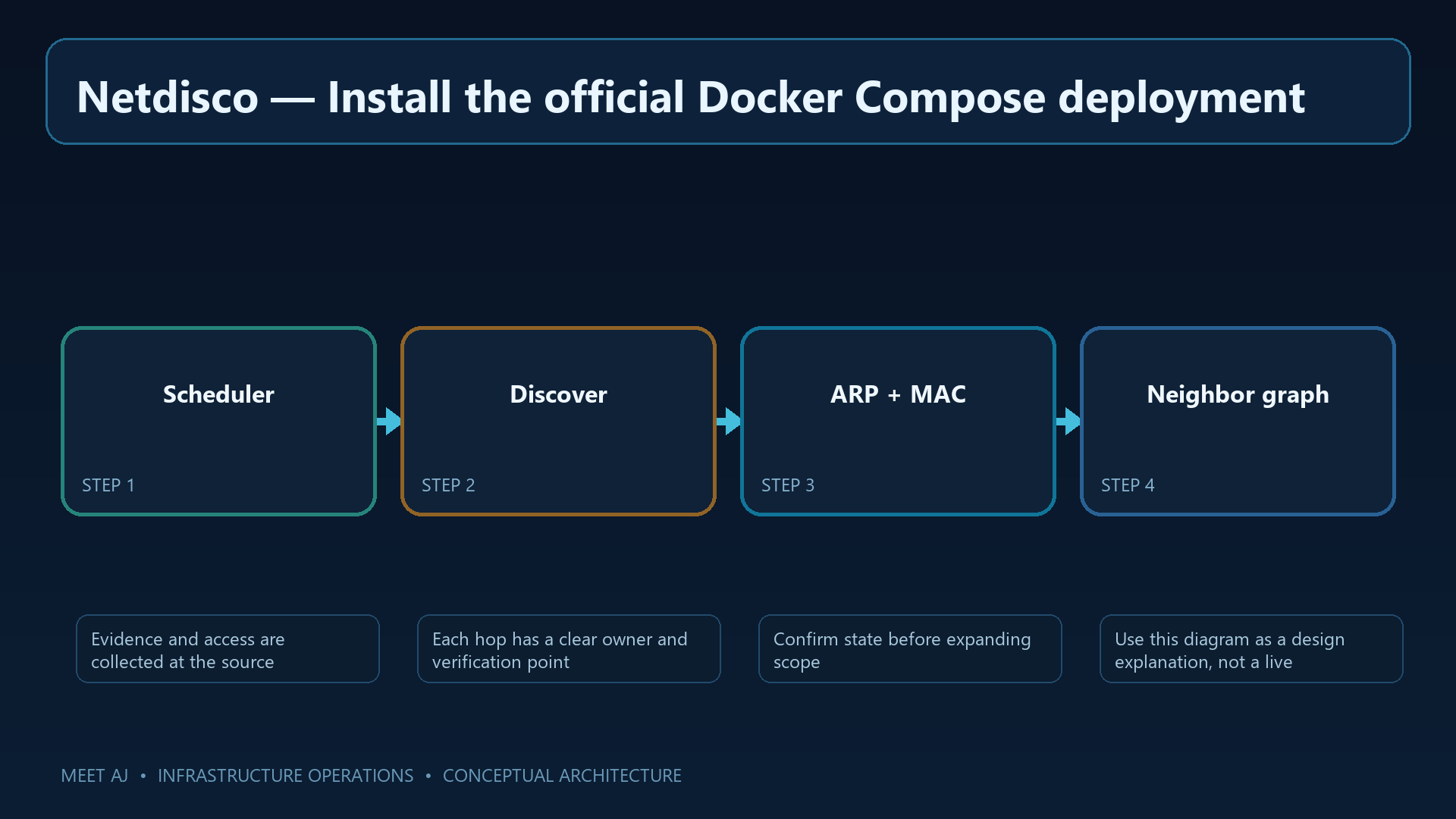
3. Install the official Docker Compose deployment
Docker Compose runs the web service, collection backend and PostgreSQL together. Its deployment file describes their settings, persistent directories and startup dependencies, including database initialization. The directories created below hold state, configuration and logs; they need to survive container replacement.
Review the upstream Compose file before starting it. Its latest image tags are mutable: the article's selected version, 2.111000, does not pin what a later pull retrieves. Check the actual application version with the final command and pin an approved image digest before operational use. Also configure no_auth: false, named accounts and a management-only proxy for port 5000.
sudo apt update && sudo apt install -y docker.io docker-compose-v2 curl
mkdir -p ~/netdisco/netdisco/{logs,config,nd-site-local,postgresql}
sudo chown -R 901:901 ~/netdisco/netdisco
cd ~/netdisco
curl -fsSL https://raw.githubusercontent.com/netdisco/netdisco-docker/master/docker-compose.yml -o compose.yaml
docker compose config --quiet
docker compose up -d
docker compose ps
docker compose logs --tail=100 netdisco-db-init netdisco-backend netdisco-web
# Configure netdisco/config/deployment.yml: no_auth: false and SNMPv3 device_auth.
# Restrict TCP/5000 to the management proxy; retain the PostgreSQL and config volumes.
docker compose exec netdisco-web /home/netdisco/bin/netdisco-do version
Use compose ps and the logs to distinguish a successfully completed database initializer from a failed service. Resolve database connection or directory permission errors, then record the reported application version. A working login page verifies the web service; switch collection is a separate check in the next steps.
4. SNMPv3 on Cisco IOS/IOS-XE
Netdisco needs an SNMP identity to read interface names, forwarding tables and neighbors. SNMPv3 authPriv authenticates requests and encrypts their contents. Use a dedicated read-only identity rather than reusing an administrator's SSH account.
The ACL below permits only collector 192.0.2.20. The iso included view is broad read access, not a narrowly selected set of MIB branches; test any tighter view against the switch model first. Both ends must support and select the same authentication algorithm. This Cisco example uses SHA-256, whereas the retained legacy configuration in the next section says SHA; those settings cannot be used together unchanged.
ip access-list standard NETDISCO-SNMP
 permit 192.0.2.20
 deny any log
snmp-server view NETDISCO iso included
snmp-server group NETDISCO v3 priv read NETDISCO access NETDISCO-SNMP
snmp-server user netdisco NETDISCO v3 auth sha-256 REPLACE_AUTH_SECRET priv aes 128 REPLACE_PRIV_SECRET
snmp-server location Building-A-Room-1
snmp-server contact noc@example.invalid
cdp run
 lldp run
! Verify from collector with approved SNMPv3 tooling; never put secrets in shell history.
Test an SNMPv3 read from the collector itself using approved tooling. Ping is insufficient: verify device identity and interface data with the actual user, algorithms and security level. Keep secrets out of shell history and shared logs. CDP and LLDP provide neighbor information; they do not replace SNMP access.
5. Configure discovery and verify collection
Discovery reads a device's identity and interfaces and can use neighbor information to find related equipment. Collecting the MAC table is a separate action named macsuck. Start with one switch you administer so that credential and access problems are visible before collection expands.
The expandable reference at the end of this section belongs to a native host installation and is not part of the Docker procedure; its /home/netdisco paths and operating-system user are not created on the Docker host. With Compose, configuration belongs in netdisco/config/deployment.yml and netdisco-do runs inside netdisco-backend. Do not copy this legacy device_auth structure unchanged either: the official configuration reference uses user and nested auth/priv settings with pass and proto. Match that schema to the installed release and select an algorithm supported by both ends before running discover and macsuck in the appropriate deployment environment.
For the Docker path, merge the following settings into the existing netdisco/config/deployment.yml while retaining its database connection settings. Create your named administrator first. This example scopes reads to test switch 192.0.2.11 and Layer 3 gateway 192.0.2.1; replace addresses and secrets. SHA-256 must be supported by both the image's Net-SNMP build and each device. If it is unavailable, stop and resolve image compatibility rather than removing encryption.
# Merge into netdisco/config/deployment.yml; retain existing database settings.
no_auth: false
community: []
community_rw: []
device_auth:
  - tag: cisco-v3
    user: netdisco
    read: true
    write: false
    only:
      - 192.0.2.11
      - 192.0.2.1
    auth:
      pass: REPLACE_AUTH_SECRET
      proto: SHA-256
    priv:
      pass: REPLACE_PRIV_SECRET
      proto: AES
Restrict the file itself to service UID 901; directory ownership alone does not protect file contents. Netdisco detects configuration changes, so inspect its restart logs. Run the commands below from the compose.yaml directory. discover reads device details, macsuck collects the MAC table, and arpnip collects ARP from your managed Layer 3 gateway. Prepare that gateway's SNMP access too; use a separate scoped profile if it has different credentials.
# Run beside compose.yaml; use only authorized lab management addresses.
sudo chown 901:901 netdisco/config/deployment.yml
sudo chmod 0600 netdisco/config/deployment.yml
docker compose exec netdisco-backend netdisco-do discover -d 192.0.2.11
docker compose exec netdisco-backend netdisco-do macsuck -d 192.0.2.11
docker compose exec netdisco-backend netdisco-do arpnip -d 192.0.2.1
docker compose logs --tail=100 netdisco-backend
Open the test switch in the web interface and check interface names, collection time and a known client's MAC. Device details alone do not validate endpoint tracing; forwarding data and an ARP source must also be present. The expandable block retains the original native-installation reference; do not copy its legacy authentication structure.
Original native-installation reference — do not execute in this Docker deployment
sudo install -d -o netdisco -g netdisco -m 0750 /home/netdisco/environments
sudo -u netdisco sh -lc 'cat > ~/environments/deployment.yml <<"EOF"
port: 5000
community: []
device_auth:
  - tag: cisco-v3
    read: netdisco
    auth: REPLACE_AUTH_SECRET
    authproto: SHA
    priv: REPLACE_PRIV_SECRET
    privproto: AES

EOF
chmod 0600 ~/environments/deployment.yml'
sudo -u netdisco sh -lc '~/bin/netdisco-do discover -d 192.0.2.11'
sudo -u netdisco sh -lc '~/bin/netdisco-do macsuck -d 192.0.2.11'
sudo -u netdisco sh -lc '~/bin/netdisco-do psql -e "select count(*) from device;"'
6. Trace an IP or MAC to a port
Return to the employee's support call. Search the computer's IP, inspect the associated MAC and observation time, then open the port link to see the switch and interface. If DHCP has reassigned the IP, searching the MAC is a better way to follow the same network adapter.
An uplink or trunk result may still be one switch away from the endpoint: a switch learns downstream MAC addresses on that inter-switch port. Follow the neighbor link and repeat until you reach the access port. Compare collection time with the reported outage. A disconnected computer may have only an older observation, so corroborate it with port status and the employee's information before changing a cable or configuration.
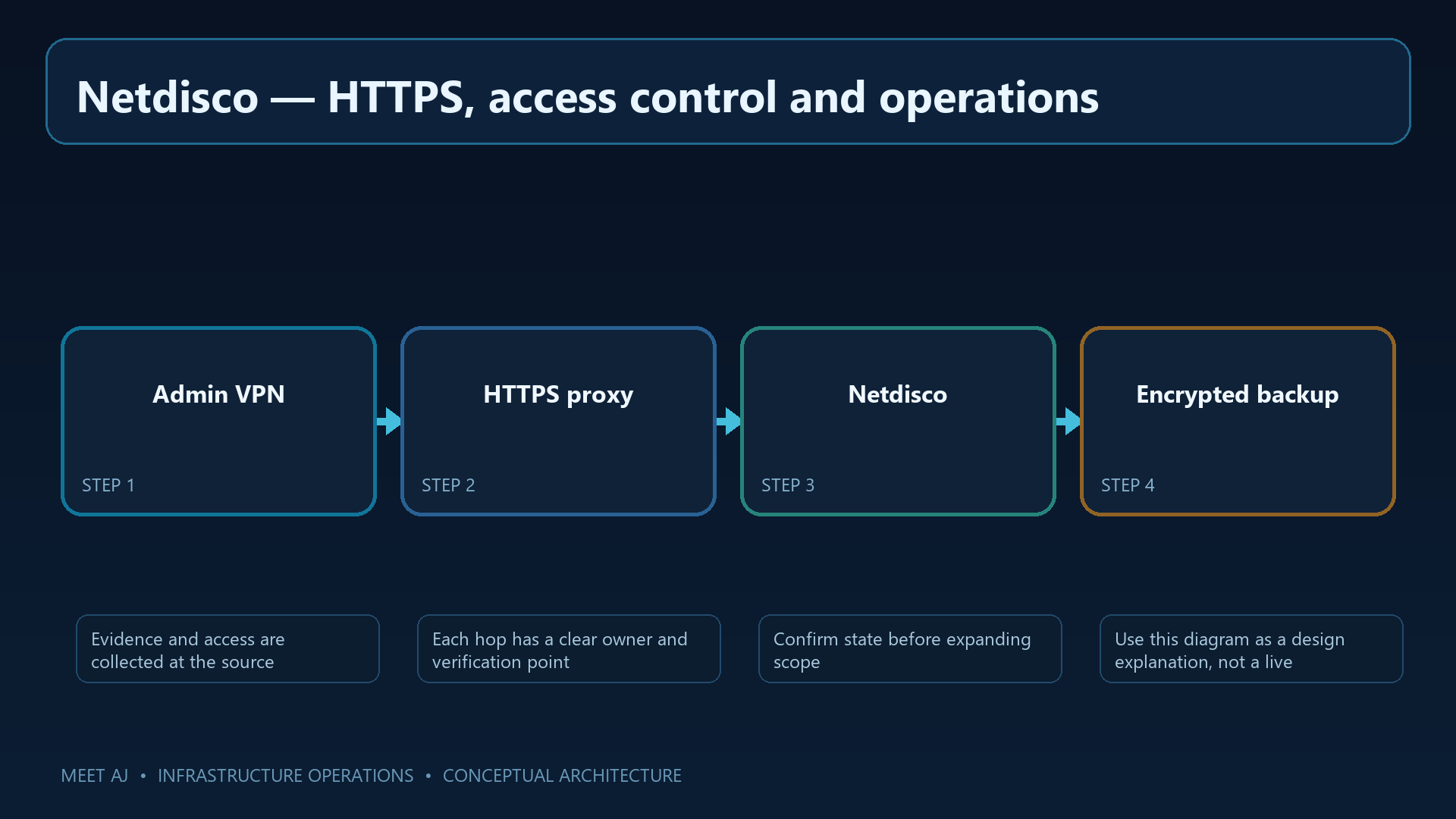
7. HTTPS, access control and operations
The interface reveals where network devices connect, so restrict it to authorized operators. Keep the application private behind a TLS proxy, require the administrator VPN and create individual accounts. Disable guest or anonymous access through the setting supported by this release.
The SNMP account in this tutorial is read-only. Netdisco itself also has management features when suitable permissions are granted; its name alone is no guarantee against changes. Review actual switch and web-user permissions, retain the UDP/161 ACL, and recheck collection and certificate renewal after upgrades.
8. Database backup and recovery
Reinstalling the application will not recover port history or protected configuration. Back up the database and the configuration for the same deployment, encrypt the set and store a copy off-host. Configuration can contain SNMP secrets and needs the same care as the database.
The commands below illustrate a native installation with local PostgreSQL and host paths. For this article's Compose deployment, the downloadable backup.sh runs the dump inside the database service and archives the configuration volumes. Keep those deployment paths separate. Restore first into a new database on an isolated, version-compatible host rather than overwriting live data.
sudo -u postgres pg_dump -Fc netdisco > /backup/netdisco-$(date -u +%F).dump
sudo install -d -m 0700 /backup/netdisco-config
sudo cp -a /home/netdisco/environments /backup/netdisco-config/
sha256sum /backup/netdisco-*.dump > /backup/SHA256SUMS
# Restore to a NEW isolated database; inspect the target before running:
sudo -u postgres createdb netdisco_restore
sudo -u postgres pg_restore --no-owner -d netdisco_restore /backup/netdisco-YYYY-MM-DD.dump
sudo -u postgres psql -d netdisco_restore -c 'select count(*) from device;'
A checksum checks archive integrity, not recovery success. In the isolated instance, verify login, representative switches and port history, then perform one limited collection. Record the newest recovered data and elapsed recovery time so that recovery-point and recovery-time expectations are measurable.
9. Troubleshooting, FAQ and production checklist
For an unresponsive switch, test from the collector using the real SNMP identity. Check routing, ACLs, matching authentication and privacy algorithms, the SNMP view and any management VRF context. If the switch exists but a client port is missing, inspect collection time and the switch's own MAC table first; a powered-off client or an aged-out entry may explain the gap.
An endpoint behind a router or access point may not appear as a direct attachment. Interpret results in light of available tables, inter-switch links and forwarding behavior. Before handing over the service, verify named login, HTTPS, restricted SNMP, scheduled collection, PostgreSQL disk alerts and an off-host recovery exercise.
Use the next support call as your acceptance test
Choose a client whose connection you can confirm independently. Search its IP, follow the observed MAC to the switch port and compare the result with the physical connection and collection time. Repeat the search by MAC. You now have a repeatable investigation method for the next support call, with a clear distinction between a current observation and a historical lead.
Downloads
Official References
Troubleshooting
| Symptom | Cause / Check | Resolution |
|---|---|---|
| Service does not start | Check service status, logs, ports, permissions, and configuration syntax. | Fix the reported dependency or syntax error, then restart and verify health checks. |
| Clients cannot connect | Validate DNS, routing, firewall policy, TLS, and listening address from both endpoints. | Allow only the required source and destination, reload safely, and retest with a controlled client. |
| Change caused an outage | Compare the change with the last known-good version and inspect audit and application logs. | Rollback the smallest possible change, restore service, then document the root cause and prevention. |
Conclusion
A reliable implementation of Install Netdisco on Ubuntu: Cisco Network Discovery, Switch Port Tracking and Troubleshooting is more than a successful first run. Keep the configuration documented, observable, recoverable, and aligned with the team's change-management process.
FAQ
Does Netdisco change switch configuration?
This guide grants read-only SNMP access. Netdisco also supports management actions when suitable permissions are configured; review the actual account rights.
Why does a device appear on an uplink?
A trunk can show a learned MAC on an upstream switch; follow neighbors toward the access switch.
Is an old ARP record proof of current attachment?
No. Check the observation time and rerun ARP/MAC collection before concluding the endpoint is present.
Can PostgreSQL be exposed to operators?
No. Keep PostgreSQL private to the application and its backup/administration paths.